3
Printing Reports (Report Settings)
3-48
Selecting and Storing Settings to Suit your Needs
4
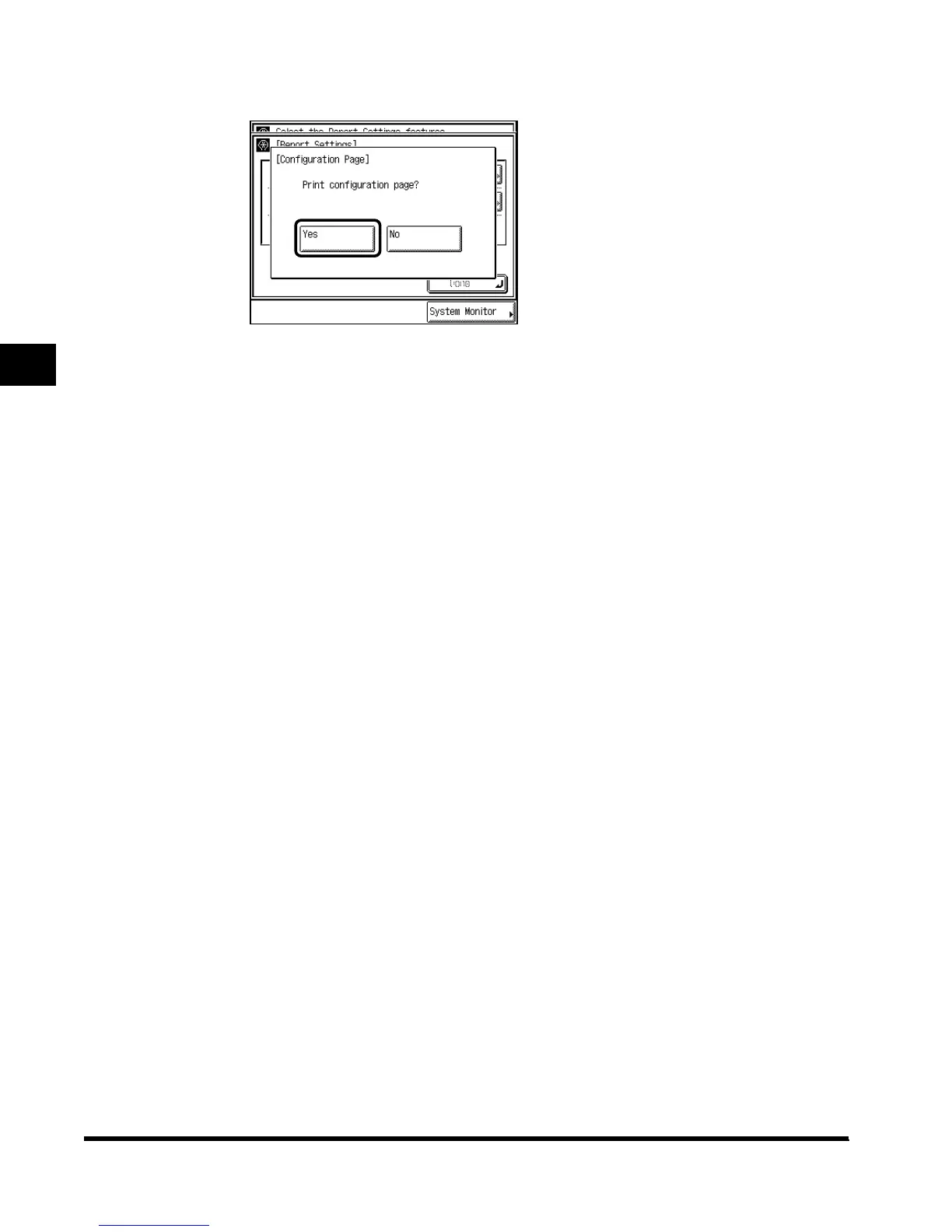
Press “Yes.”
If you do not want to print, press “No.”
When printing is completed, the screen returns to step 3.
5
Press “Done.”
Repeat this procedure.
The specified mode is set and the display returns to the Basic Features screen.
E1L_US_U_.book-INDEX Page 48 Wednesday, May 23, 2001 11:40 PM












 To Next Page