4
Setting Specifications of System Manager Settings (System Manager Settings)
4-4
System Manager Settings
5
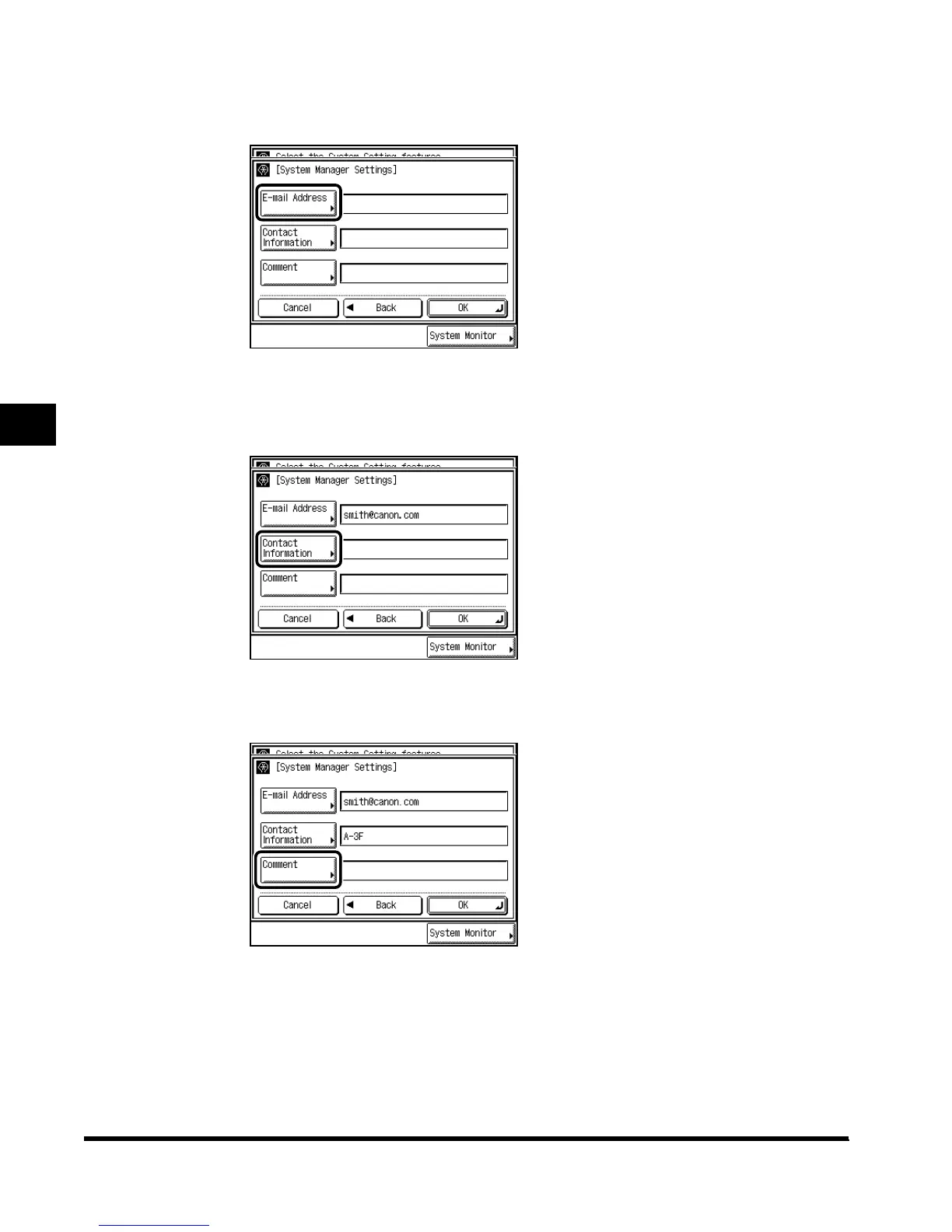
Press “E-mail Address,” and enter an e-mail address for the system
manager.
6
Press “Contact Information,” and enter where to contact the system
manager.
7
Press “Comment,” and enter any comment for the system manager.
E1L_US_U_.book-INDEX Page 4 Wednesday, May 23, 2001 11:40 PM












 To Next Page