7
Cassette Feeding Unit-W1
7-7
Handling Options
4
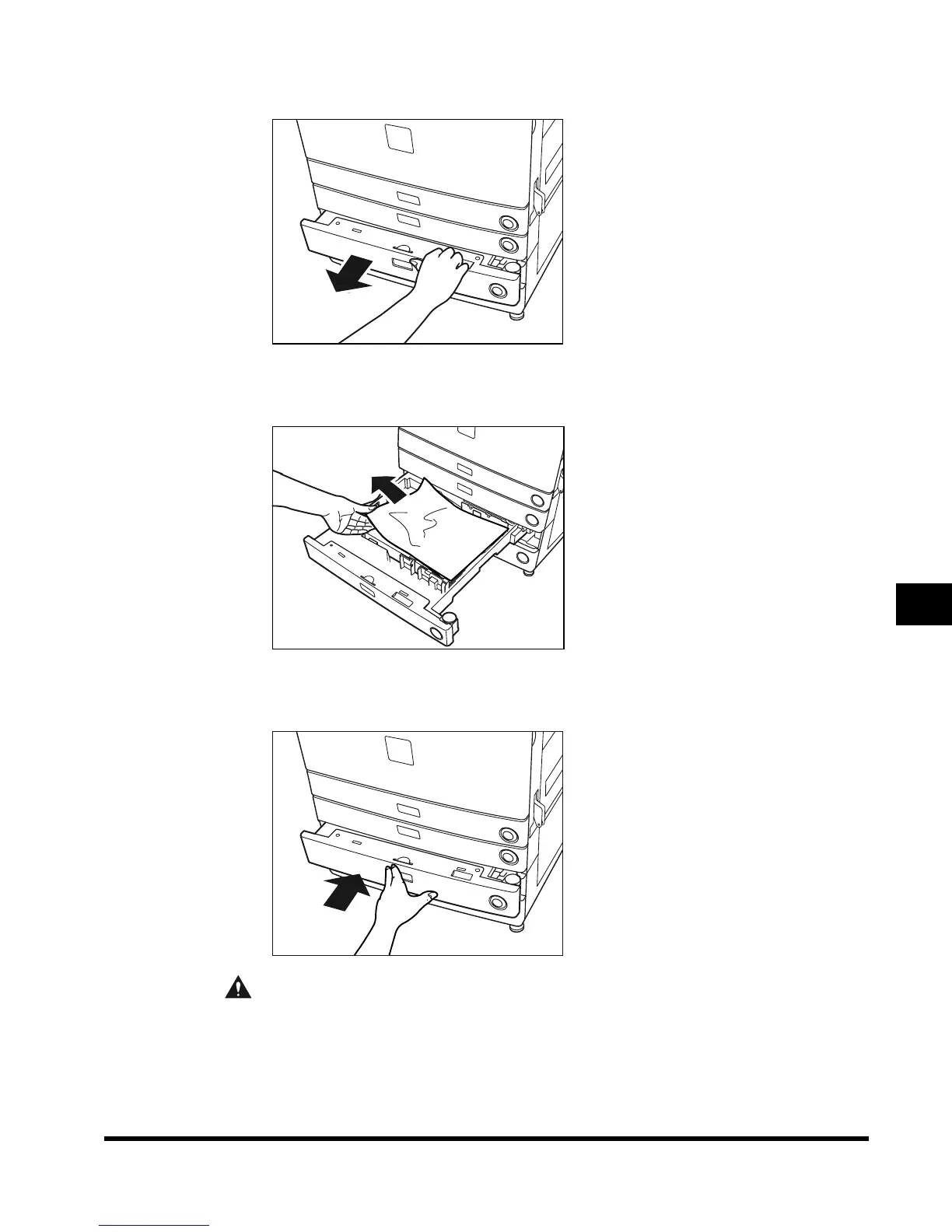
Pull out the paper drawer.
5
Remove any jammed paper.
6
Return the paper drawer to its original position.
CAUTION
• When returning the paper drawer to its original position, be careful not to catch your
fingers between the top of the paper drawer and the main unit.
E1L_US_U_.book-INDEX Page 7 Wednesday, May 23, 2001 11:40 PM












 To Next Page