7
Paper Deck-L1
7-13
Handling Options
2
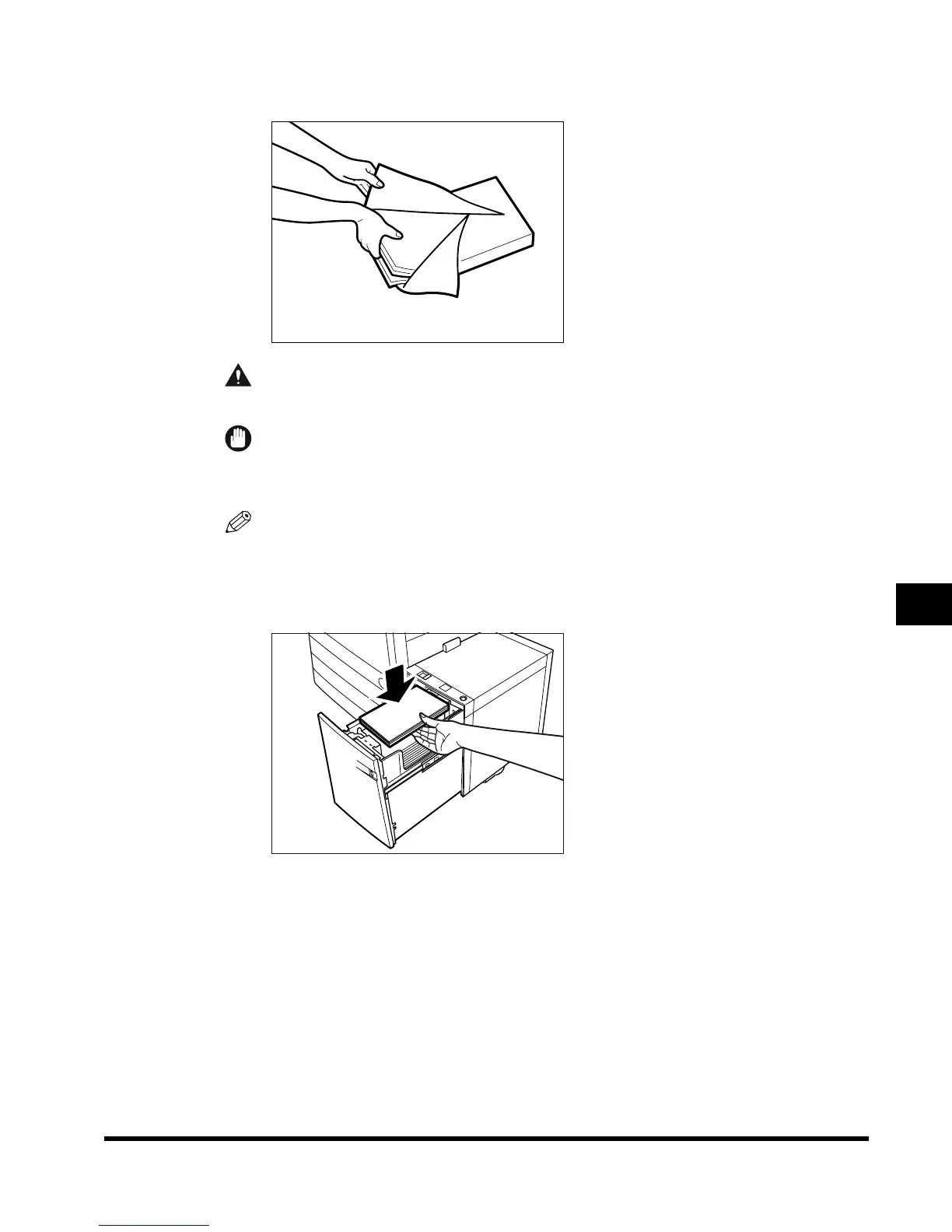
Open a package of paper, and remove the paper stack.
CAUTION
• When loading paper, take care not to cut your hands on the edges of the paper.
IMPORTANT
• Rewrap any remaining paper in its original package, and store it in a dry place, away from
direct sunlight.
NOTE
• For high-quality print output, use paper recommended by Canon.
3
Load the paper deck with the paper with its opened surface face up.
E1L_US_U_.book-INDEX Page 13 Wednesday, May 23, 2001 11:40 PM












 To Next Page