7
Envelope Feeder Attachment-B1
7-18
Handling Options
2
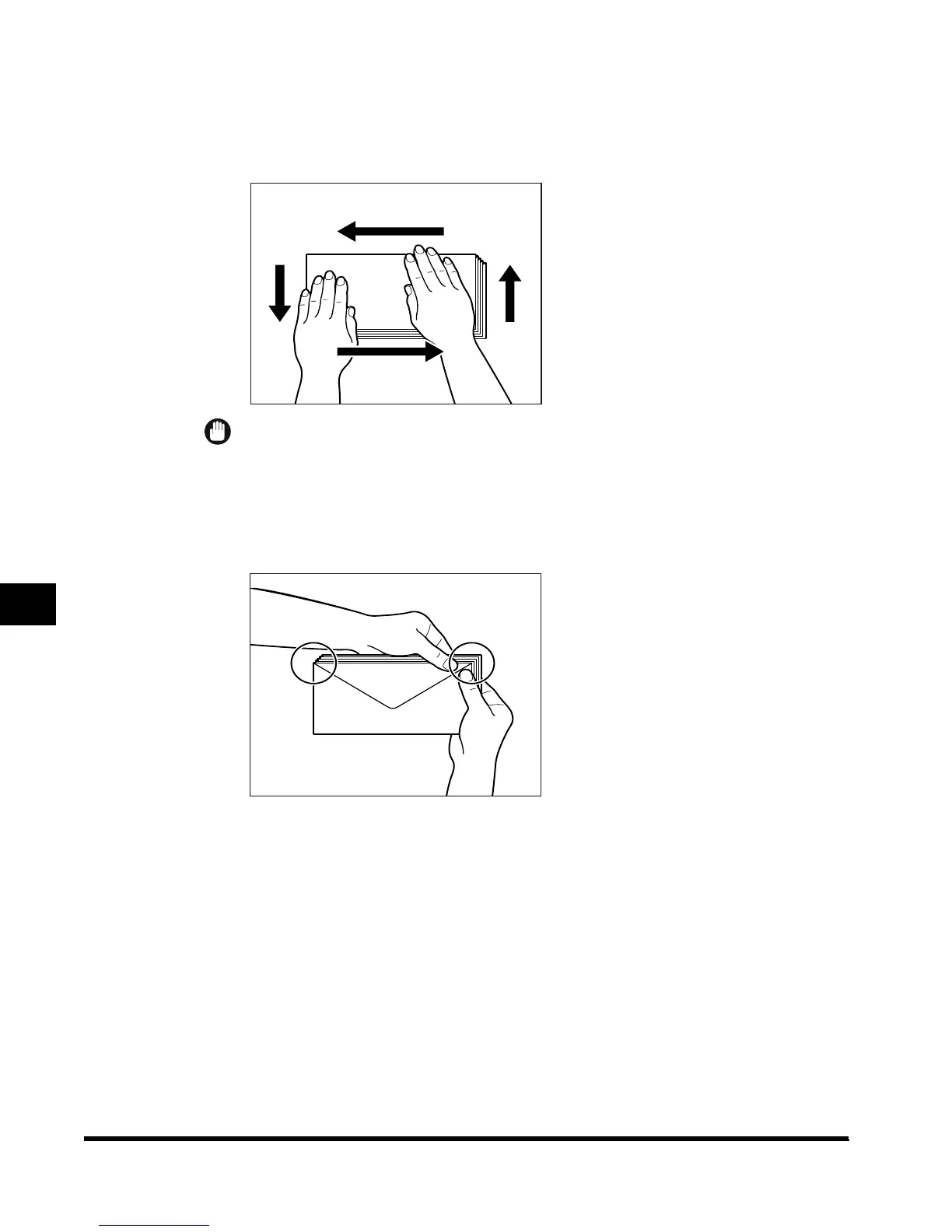
Place the envelopes on a clean, level surface and spread them out
by hand in the directions of the arrows.
Repeat this step five times.
IMPORTANT
•
Take particular care to spread the envelopes out in the direction they will be fed.
3
Hold down the four corners of the envelopes firmly, so that they and
the sealed or glued portion stay flat.
E1L_US_U_.book-INDEX Page 18 Wednesday, May 23, 2001 11:40 PM












 To Next Page