7
Envelope Feeder Attachment-B1
7-22
Handling Options
5
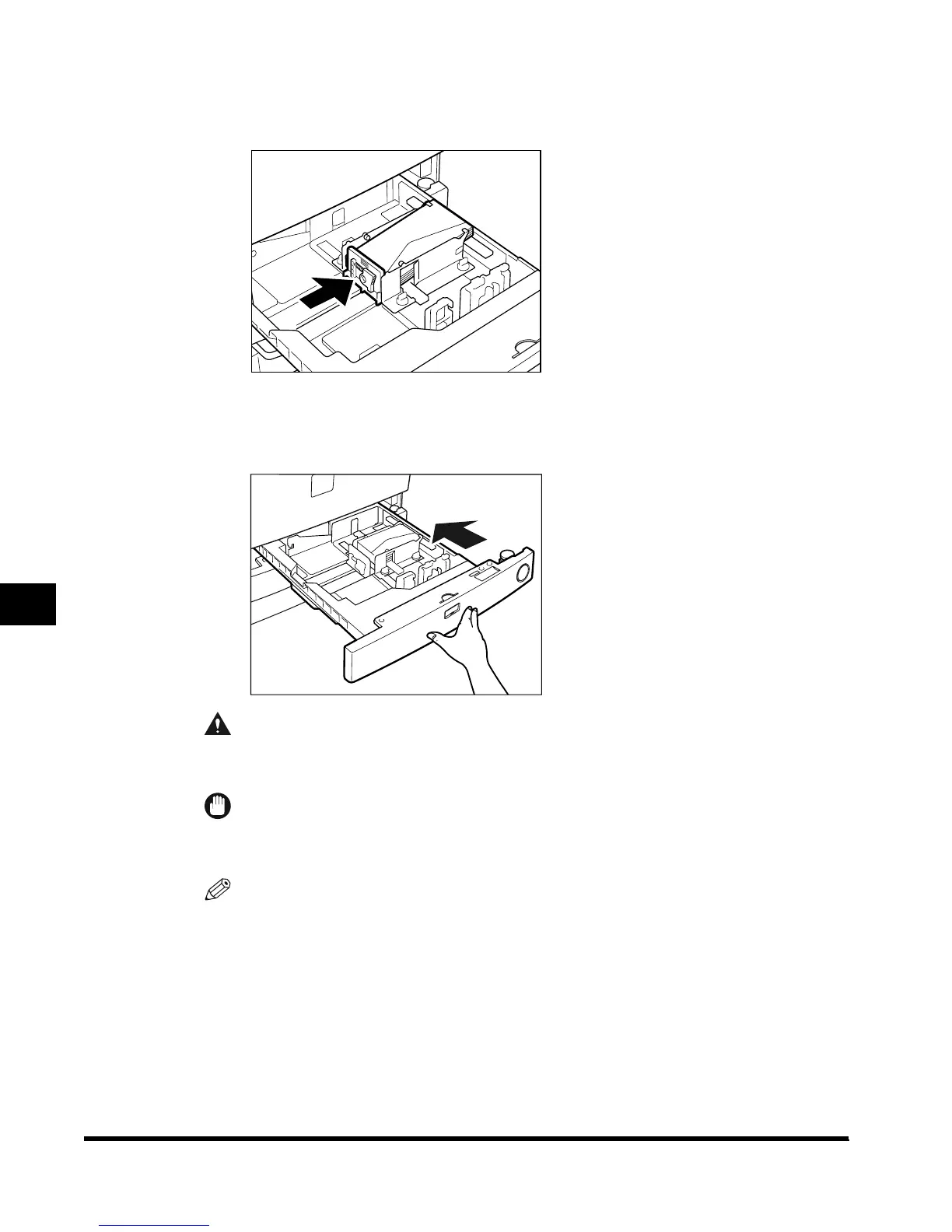
Squeeze the lever on the left guide, and set the left guide at the
trailing edge of the envelopes.
6
Gently slide the paper drawer back into the machine until it clicks
into place in the closed position.
CAUTION
• When returning the paper drawer to its original position, be careful not to get your
fingers caught, as this may result in personal injury.
IMPORTANT
•
Never place paper or any other items in the open part of the paper drawer next to the
envelopes. Doing so may cause paper jams.
NOTE
•
When output has been canceled due to insufficient paper, load the envelopes and follow the
instructions displayed on the touch panel display. The machine resumes output of prints.
E1L_US_U_.book-INDEX Page 22 Wednesday, May 23, 2001 11:40 PM












 To Next Page