7
Feeder (DADF-H1)
7-33
Handling Options
3
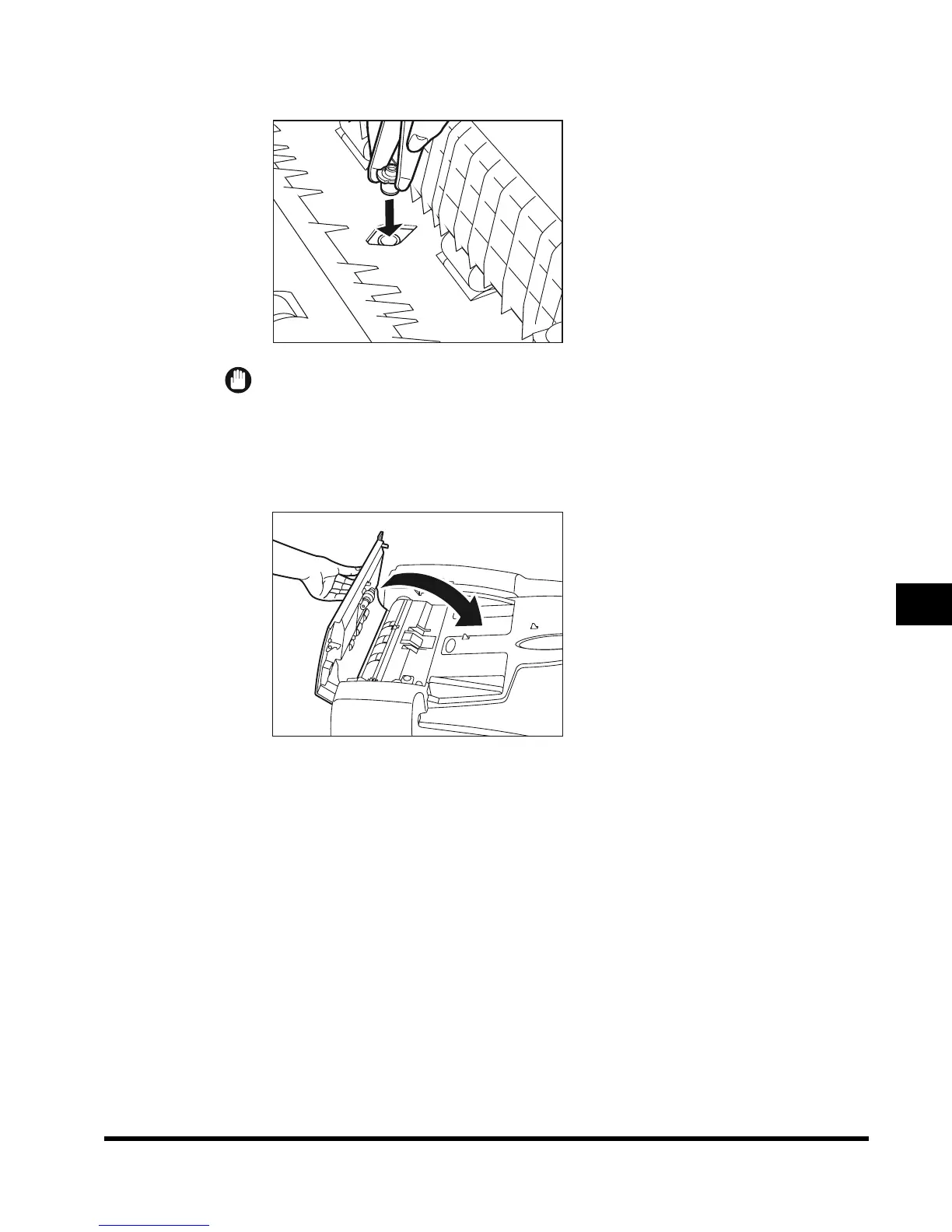
Push the new stamp cartridge in until it clicks, using tweezers.
IMPORTANT
•
Make sure that the stamp cartridge is not protruding from the surface.
•
Set the stamp cartridge properly, or it may cause paper jams.
4
Gently close the inner cover, and close the feeder cover.
E1L_US_U_.book-INDEX Page 33 Wednesday, May 23, 2001 11:40 PM












 To Next Page