Periodic Inspection of the Breaker
xxvii
IMPORTANT
•
Do not use the test button to turn the power ON and OFF.
•
If the breaker lever does not go to OFF (“ ” side), repeat step 1.
•
If the breaker lever does not go to OFF (“ ” side), despite carrying out the above procedure
two or three times, contact your service representative.
3
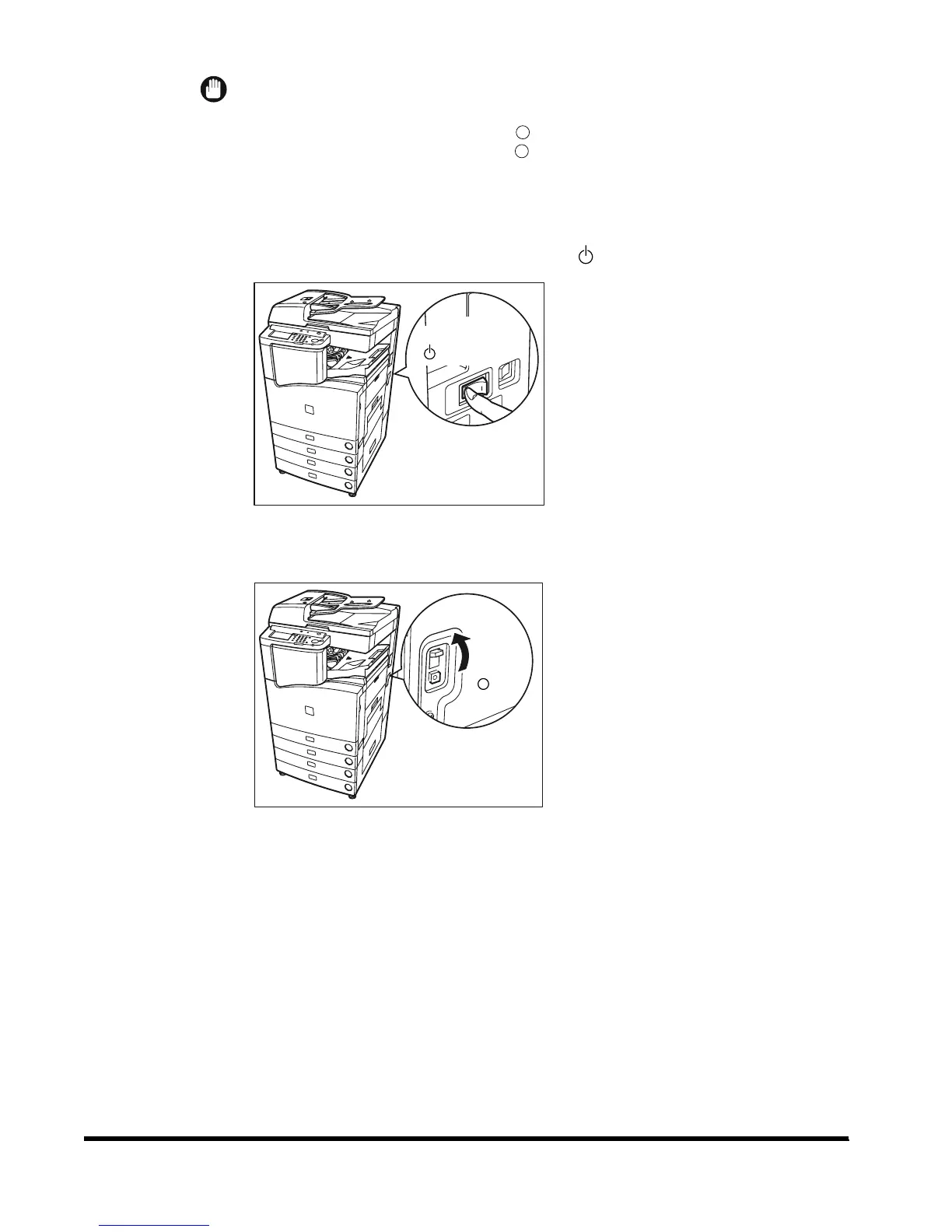
Once you have confirmed that the above operation takes place,
press the main power switch to OFF ( side).
4
Move the breaker lever to ON (“I” side).
5
Press the main power switch to ON (“I” side).
ON
I
side)(
OFF
side)(
ON
I
side)(
OFF
side)(
E1L_US_U_.book-INDEX Page xxvii Wednesday, May 23, 2001 11:40 PM












 To Next Page