7
Saddle Finisher-G1/Puncher Unit-K1
7-57
Handling Options
6
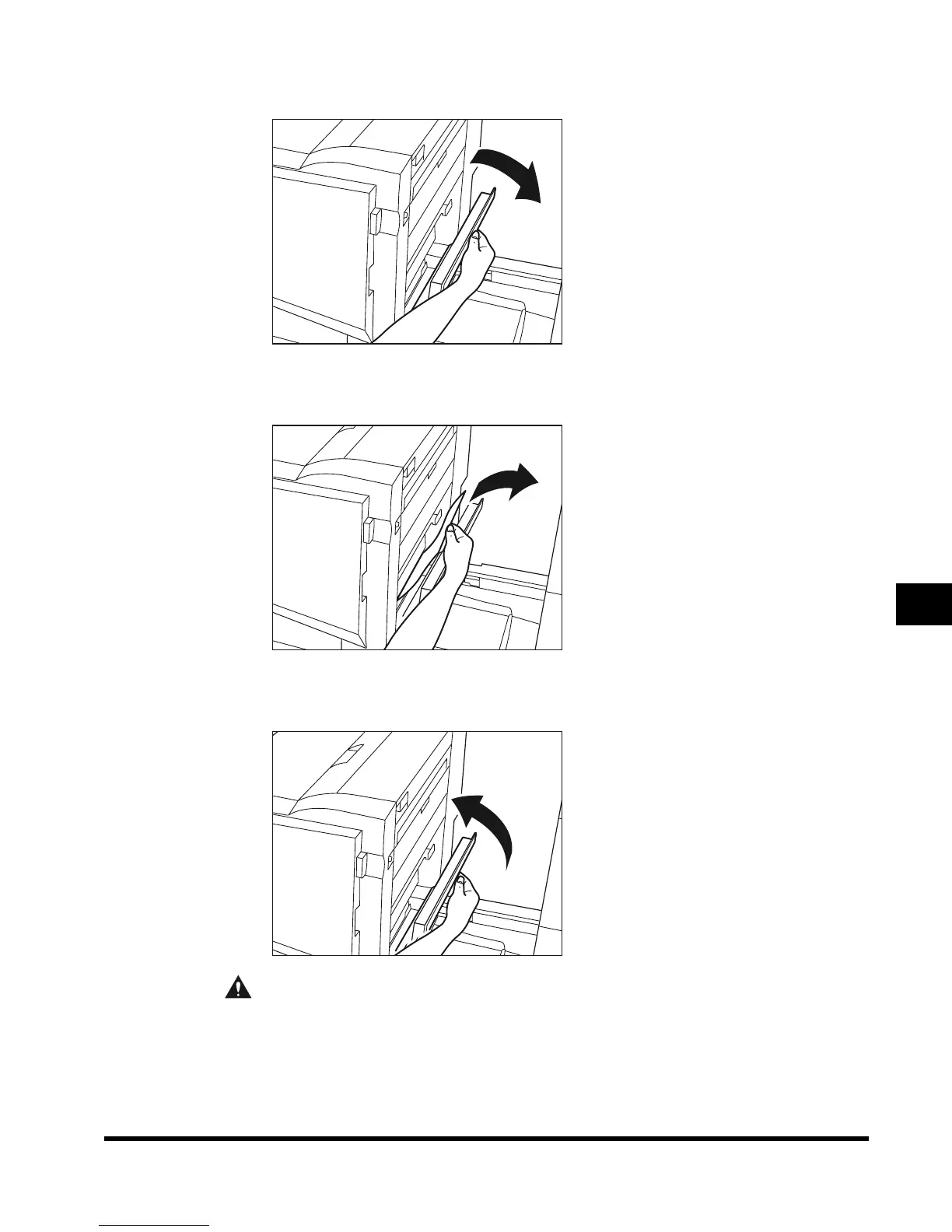
Open the right cover of the finisher.
7
Remove any jammed paper.
8
Close the right cover of the finisher.
CAUTION
• When closing the cover, be careful not to get your fingers caught, as this may result
in personal injury.
E1L_US_U_.book-INDEX Page 57 Wednesday, May 23, 2001 11:40 PM












 To Next Page