7
Card Reader-C1
7-84
Handling Options
3
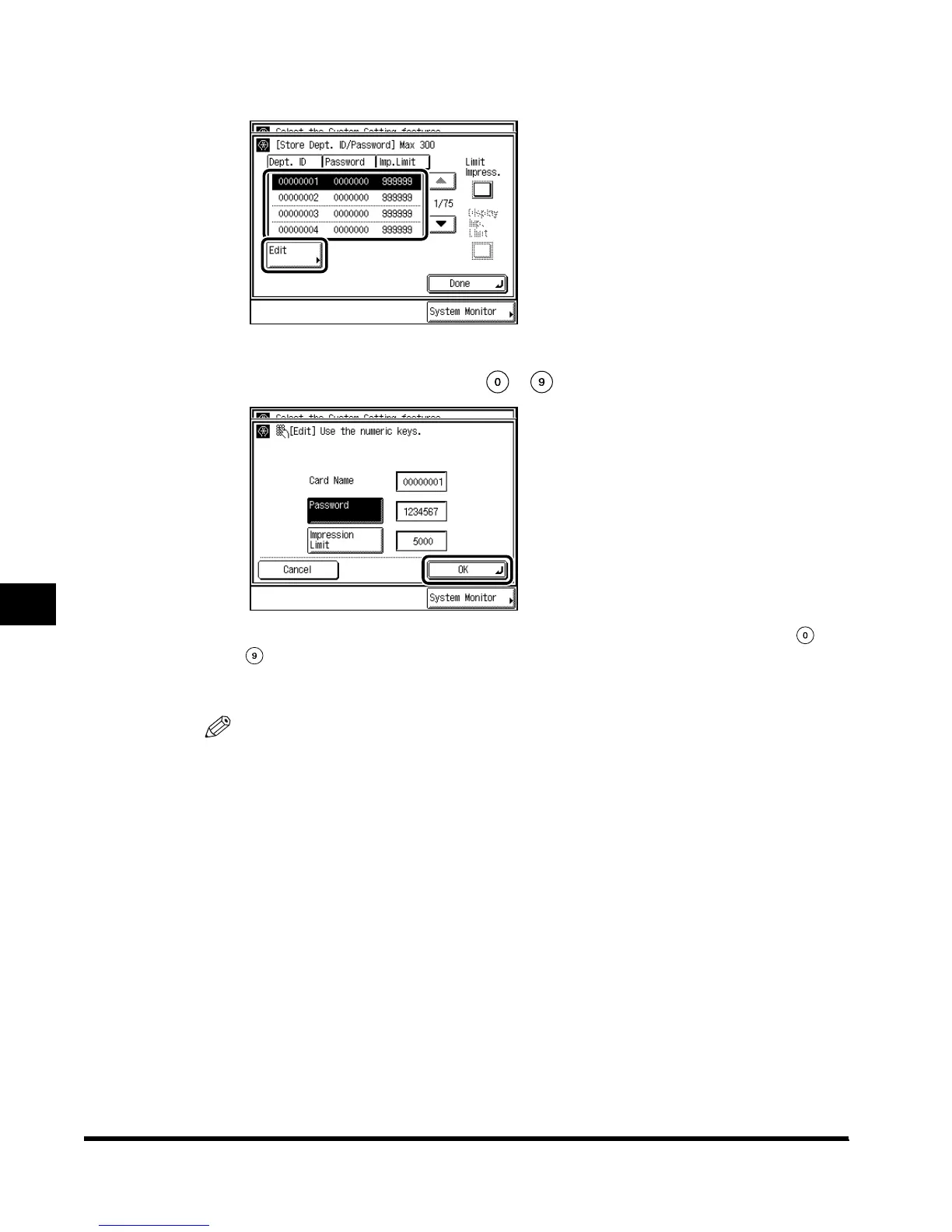
Select the password you want to change, and press “Edit.”
4
Enter the password ID with - (numeric keys), and press “OK.”
To change the Impression Limit, press “Impression Limit” → enter the number with -
(numeric keys) → press “OK.”
You cannot store a password with only the number <0>, such as <0000000>.
NOTE
•
You cannot change the Department ID.
E1L_US_U_.book-INDEX Page 84 Wednesday, May 23, 2001 11:40 PM











 To Next Page