1
Entering Characters from the Touch Panel Display
1-32
Before You Start Using This Machine
2
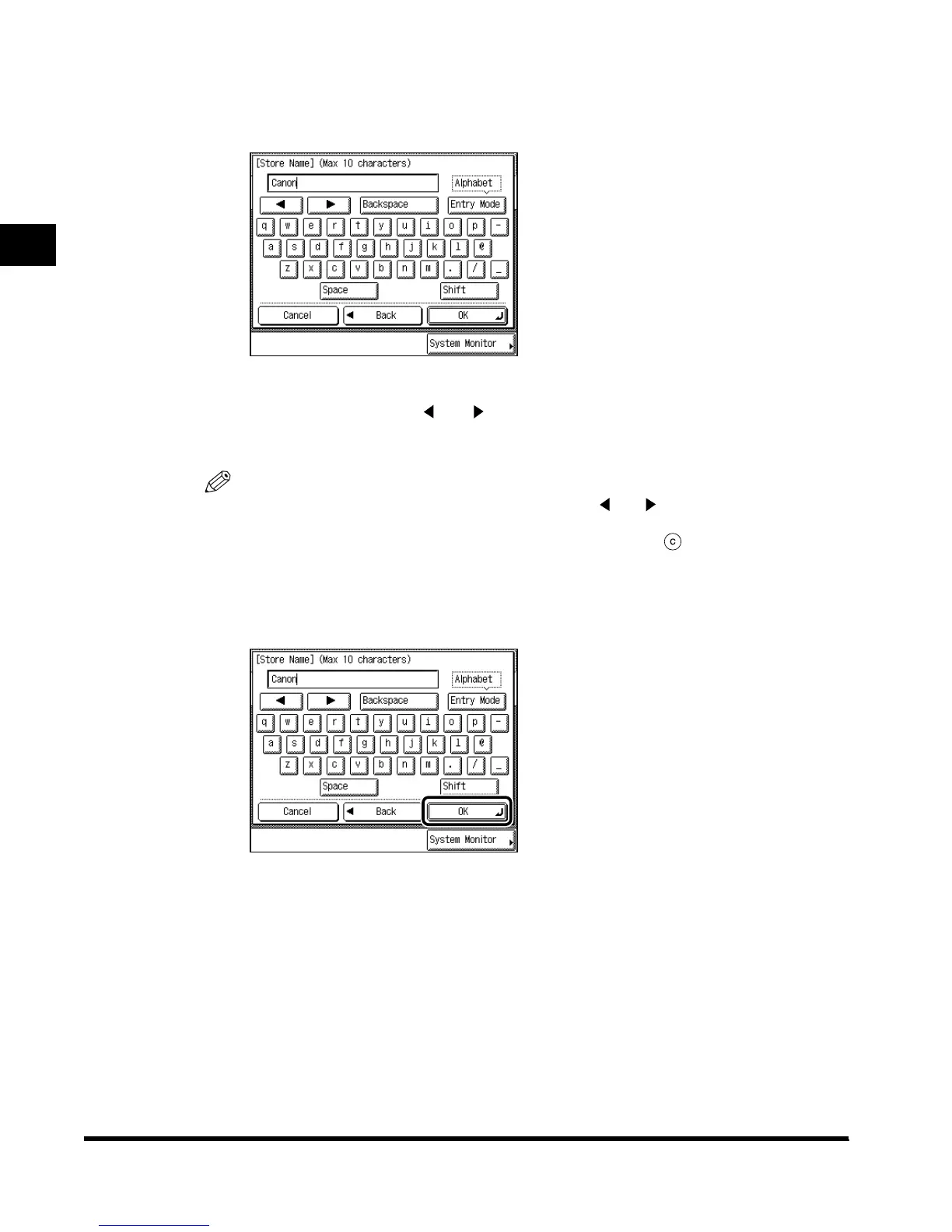
Enter <Canon>.
<Canon> is displayed.
To enter a space, press “Space.”
To move the cursor, press “ ” or “ .”
To enter special characters, press “Entry Mode” before you press “OK” to select “Other.”
NOTE
•
If you make a mistake when entering characters, use “ ” or “ ” to position the cursor, and
“Backspace” to delete the character. Then, enter the correct character.
•
You can also delete all characters you have entered by pressing (Clear).
•
The available modes and maximum number of letters vary depending on the entry field.
3
When you have entered all characters, press “OK.”
E1L_US_U_.book-INDEX Page 32 Wednesday, May 23, 2001 11:40 PM












 To Next Page