1
Entering the Department ID and Password
1-37
Before You Start Using This Machine
2
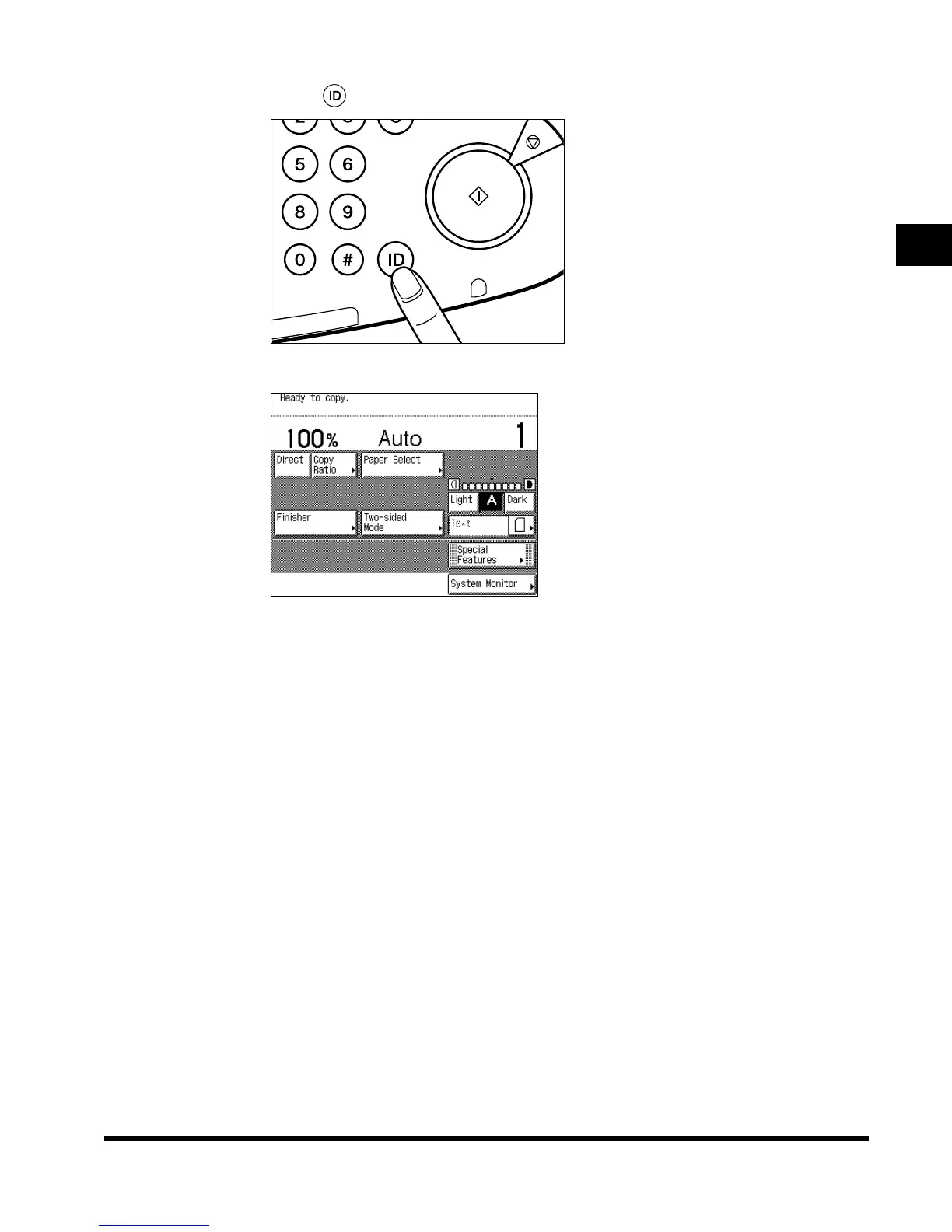
Press (ID).
The Basic Features screen of the selected function appears on the touch panel display.
If the Department ID and/or Password that you entered are wrong, the message <This
number has not been stored. Enter the number again.> appears. Repeat the procedure
from step 1.
JKL
TUV
MNO
WXY
PER
Start
Power
Error
g/Data
E1L_US_U_.book-INDEX Page 37 Wednesday, May 23, 2001 11:40 PM












 To Next Page