1
Making Prints Using the Stack Bypass
1-51
Before You Start Using This Machine
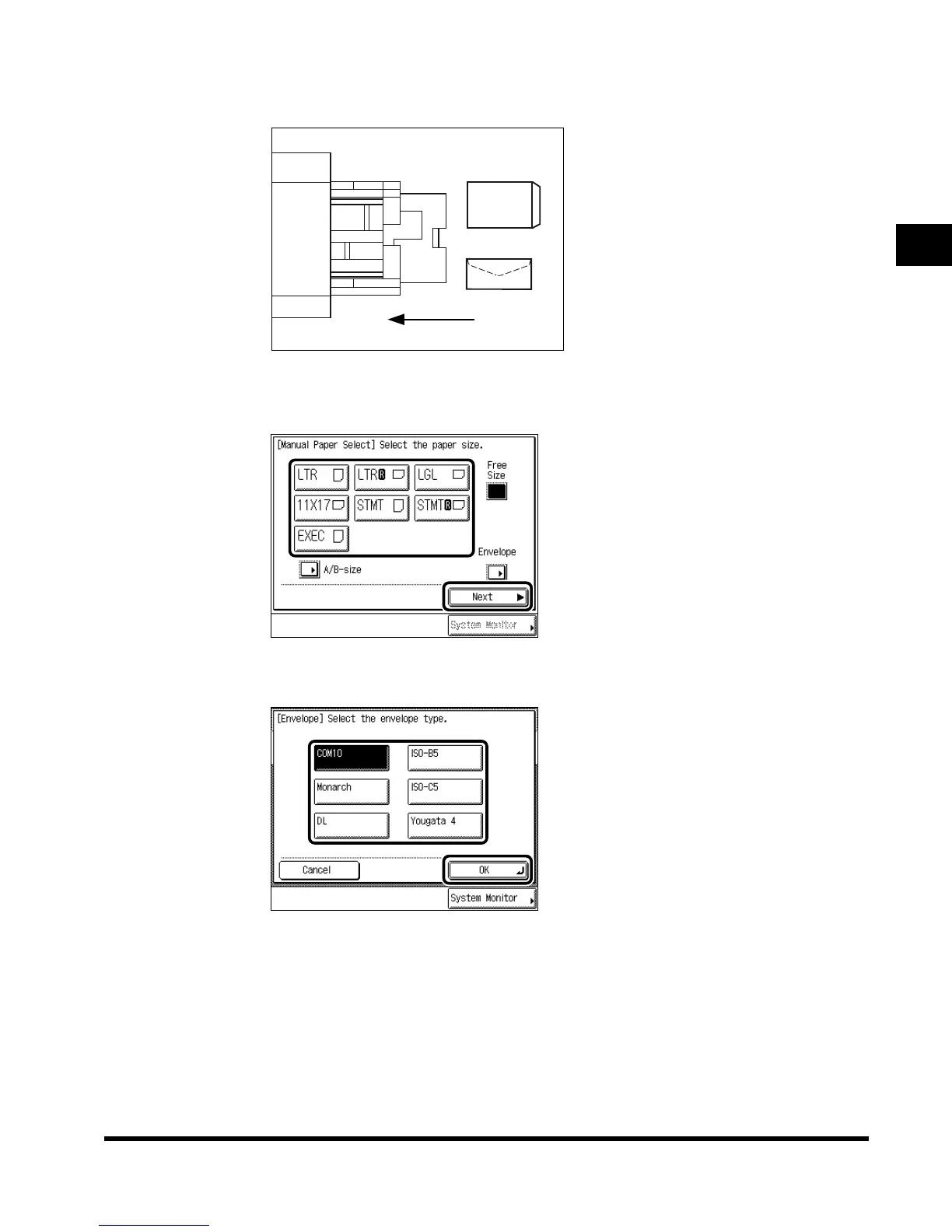
When Saddle Finisher-G1 is attached, and Image Orientation Priority is set to
“On,” load the envelopes as shown below.
4
Select the paper size, and press “Next.”
If envelopes are loaded, press “Envelope,” and specify the envelope type. Then press
“OK” → “OK,” and proceed to step 6.
When loading paper other than a standard size, press “Free Size.”
To select A or B series paper size, press “A/B-size.”
Feeding
Direction
E1L_US_U_.book-INDEX Page 51 Wednesday, May 23, 2001 11:40 PM












 To Next Page