1
Making Prints Using the Stack Bypass
1-53
Before You Start Using This Machine
6
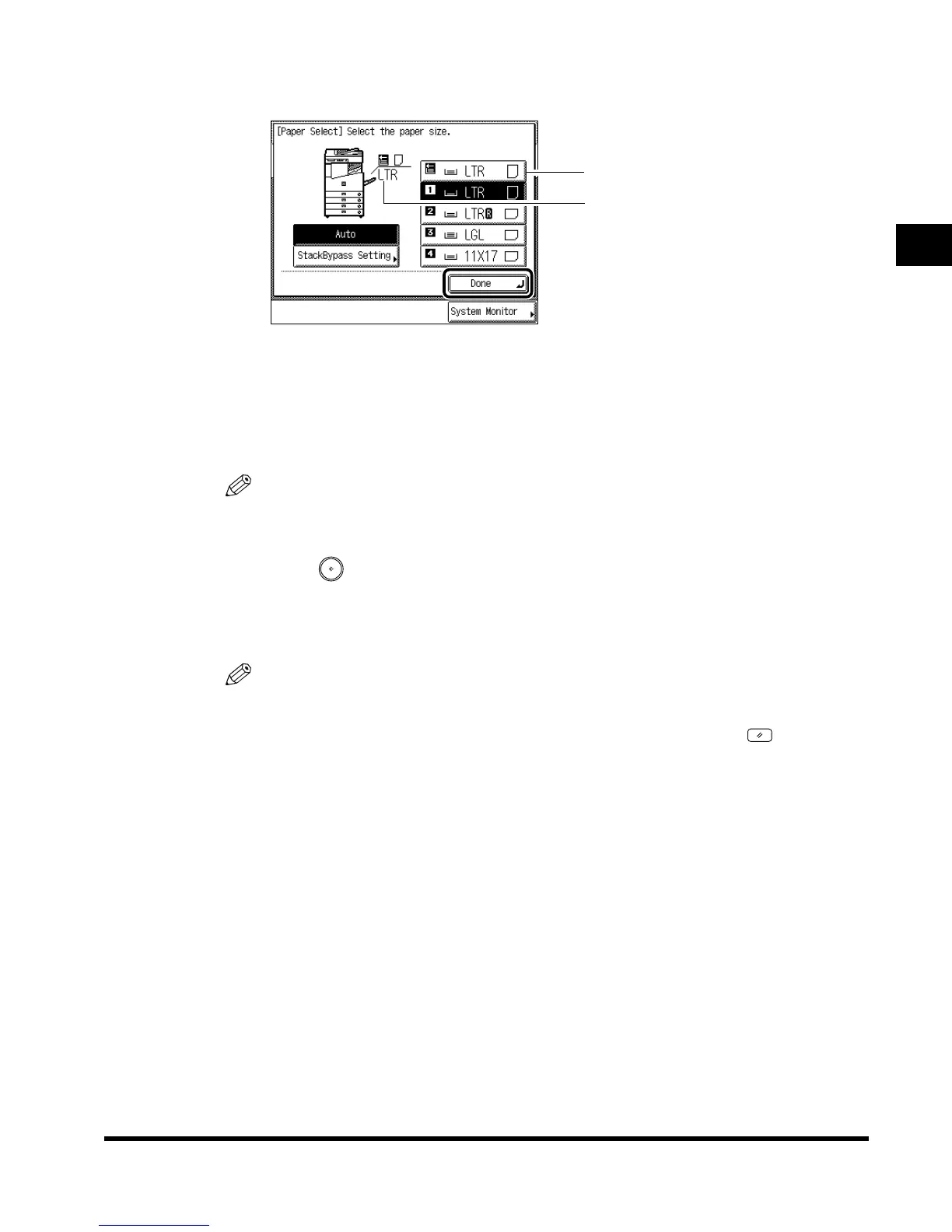
Press “Done.”
When you press “Stack Bypass Setting,” you can set the paper size again.
7
Place your originals, and program the copy settings.
When printing documents stored in a mail box, this procedure is not necessary.
NOTE
• When there is no reserved job, continue the procedure from step 2.
8
Press (Start).
When printing documents stored in a mail box, press “Start Print.”
Copying starts.
NOTE
• If heavyweight paper or envelopes are not fed normally from the stack bypass when
printing, curl up the edge of the paper by about 1/8" (3 mm) before loading it.
•
To cancel all settings and return the machine to the standard mode, press (Reset).
Paper size loaded presently
Paper size selected
E1L_US_U_.book-INDEX Page 53 Wednesday, May 23, 2001 11:40 PM












 To Next Page