2
Flow of Checking/Changing Operations
2-3
Checking Job and Device Status
● If Job Type is selected:
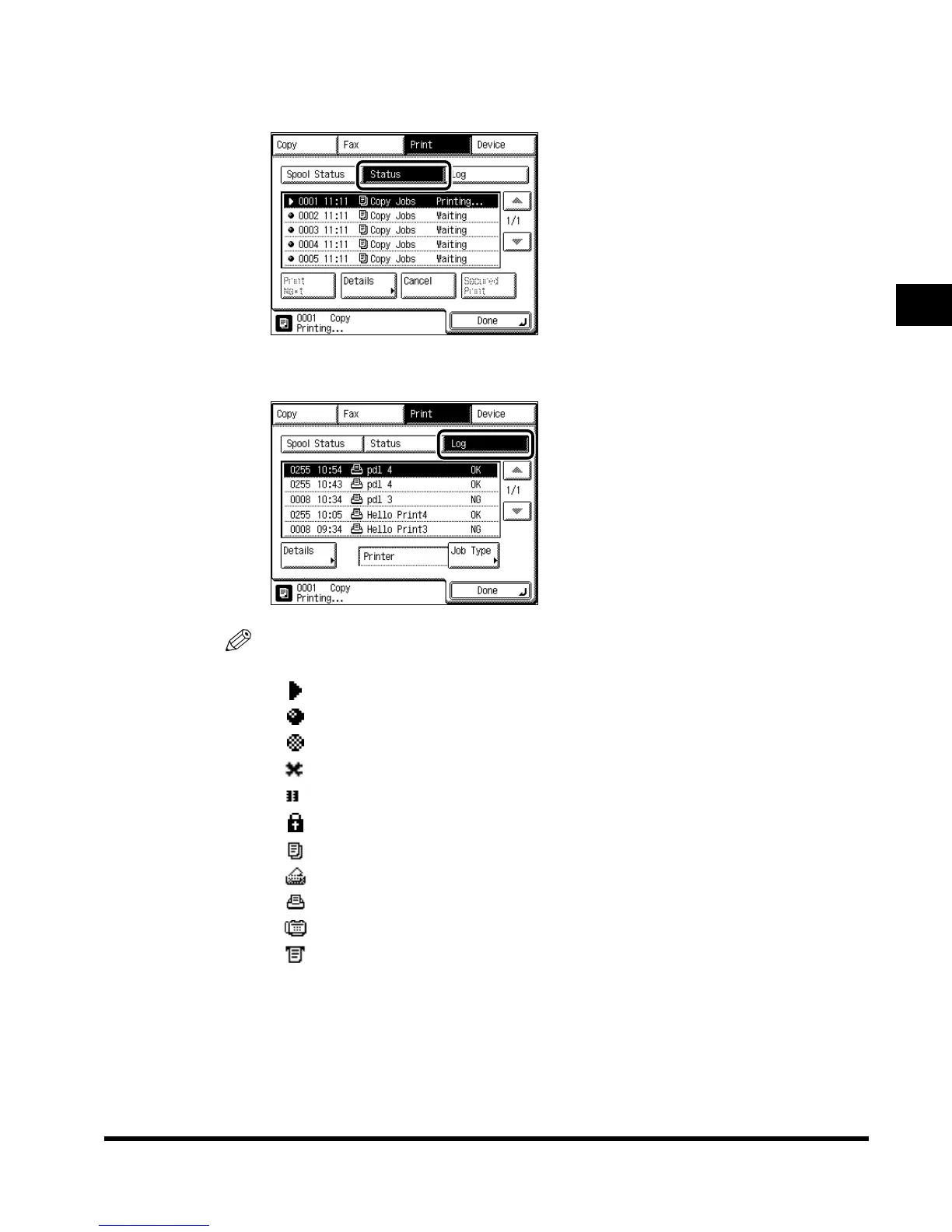
Press “Status.”
To see jobs currently being processed or waiting to be processed, press “Status.”
To see jobs that have already been processed, press “Log.”
NOTE
•
The status of each icon displayed in the screen is as follows:
-: Operating
-: Waiting
-: Error
-: Canceling
-: Paused
-: Secured job
-: Copy job
-: Mail Box job
-: Printer job
-: Fax job
-: Report job
•
The latest 128 copy or print jobs, or 40 fax jobs are displayed in the log.
E1L_US_U_.book-INDEX Page 3 Wednesday, May 23, 2001 11:40 PM












 To Next Page