2
Flow of Checking/Changing Operations
2-6
Checking Job and Device Status
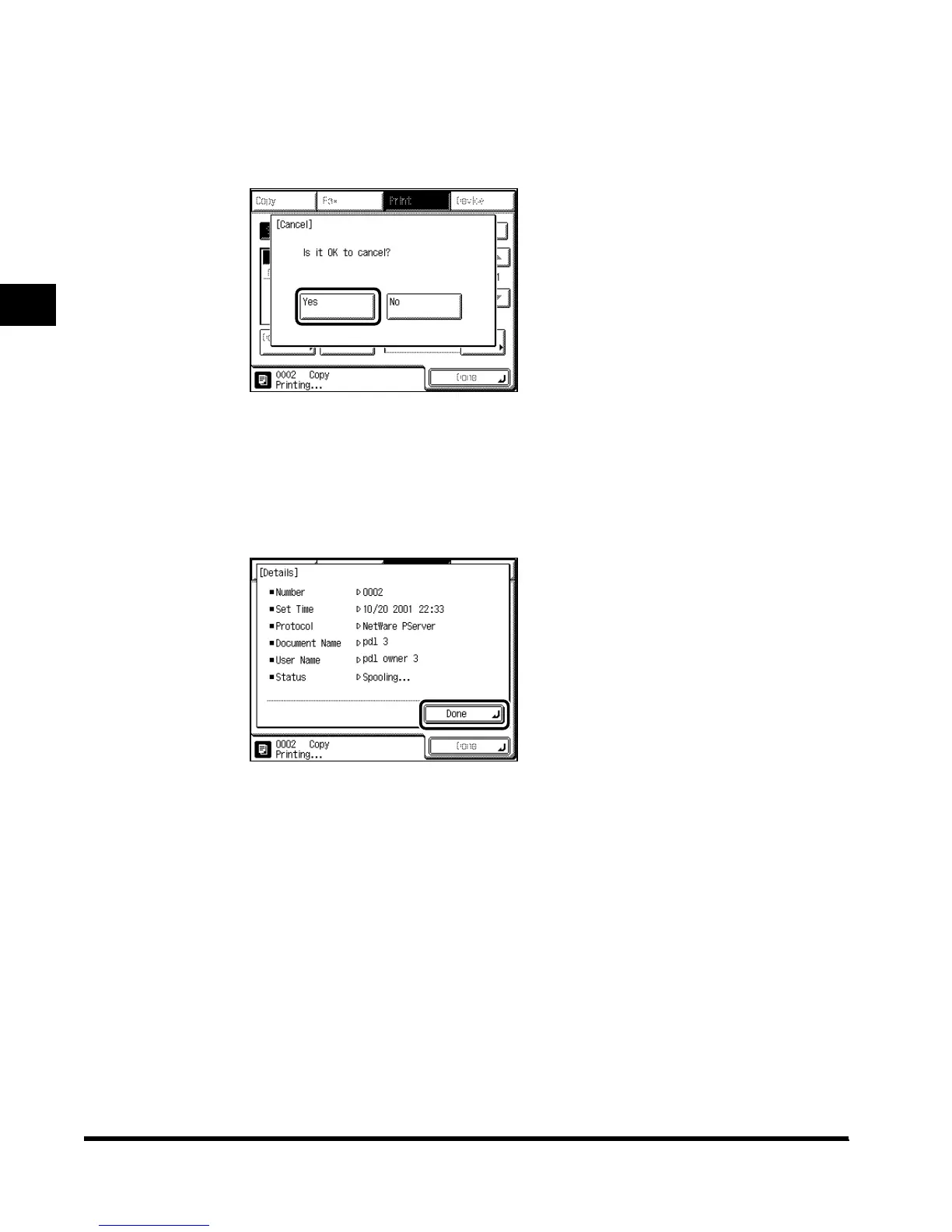
● To cancel a job in the spooler:
Select “Status.”
Select the job you want to cancel spooling, and press “Cancel.”
Press “Yes.”
If you do not want to cancel the job, press “No.”
● To check the job detailed information:
Select “Status” or “Log.”
Select the job you want to view more details about, and press “Details.” Check the
detailed information, and press “Done.”
5
Press “Done.”
The display returns to the Basic Features screen.
E1L_US_U_.book-INDEX Page 6 Wednesday, May 23, 2001 11:40 PM












 To Next Page