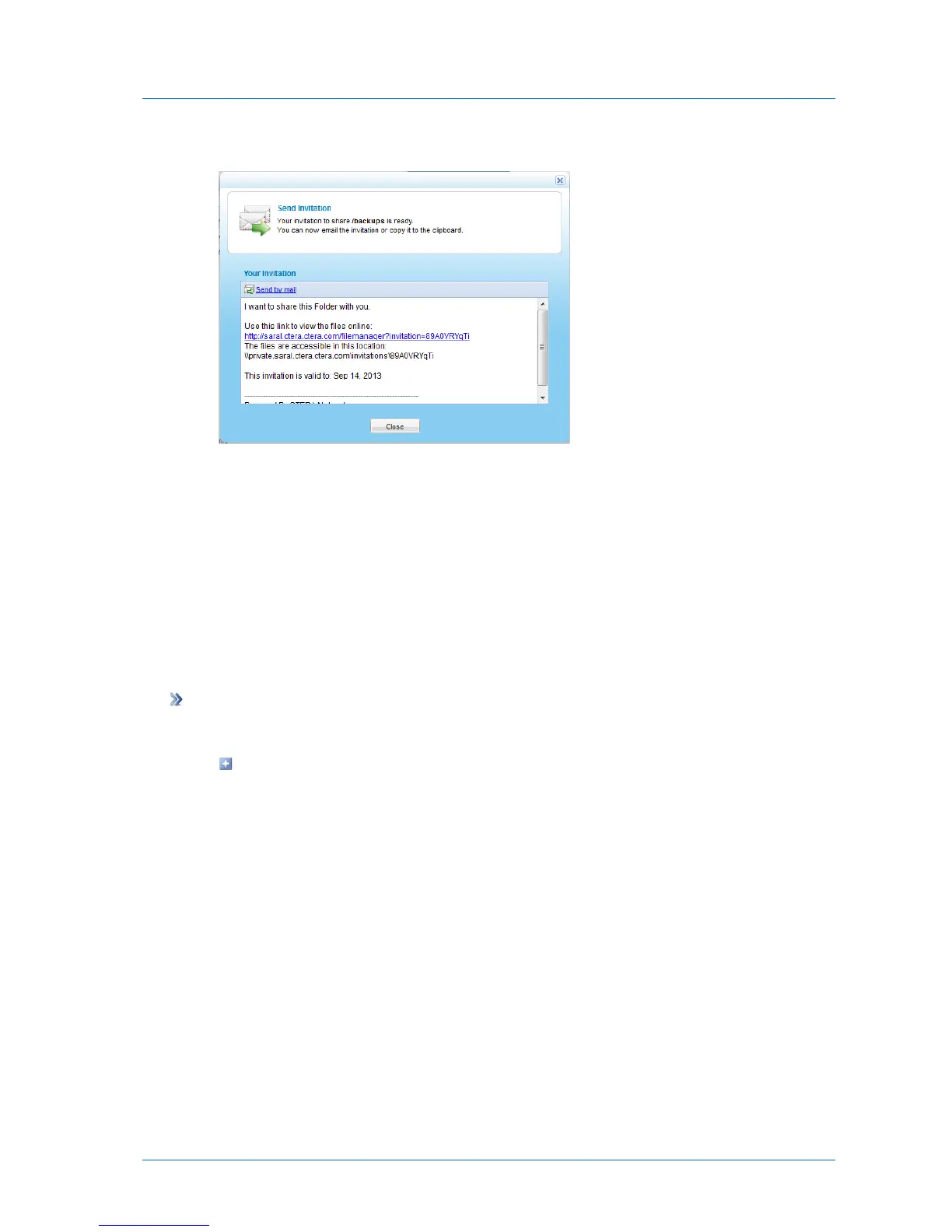
The Send Invitation dialog box appears with the content of the guest invitation.
6 Click Send by mail.
Your email client opens a new message containing the invitation.
7 In the To field, fill in the email address of the person with whom you want to share the
file/folder.
8 Click Send.
9 In the Send Invitation dialog box, click Close.
Viewing Active Guest Invitations
To view active guest invitations
1 Do one of the following:
To view all active guest invitations in the system:
1 In the Configuration tab's navigation pane, click Share > Collaboration.
The Share > Collaboration page appears.
2 Click View Active Invitations.



 To Next Page