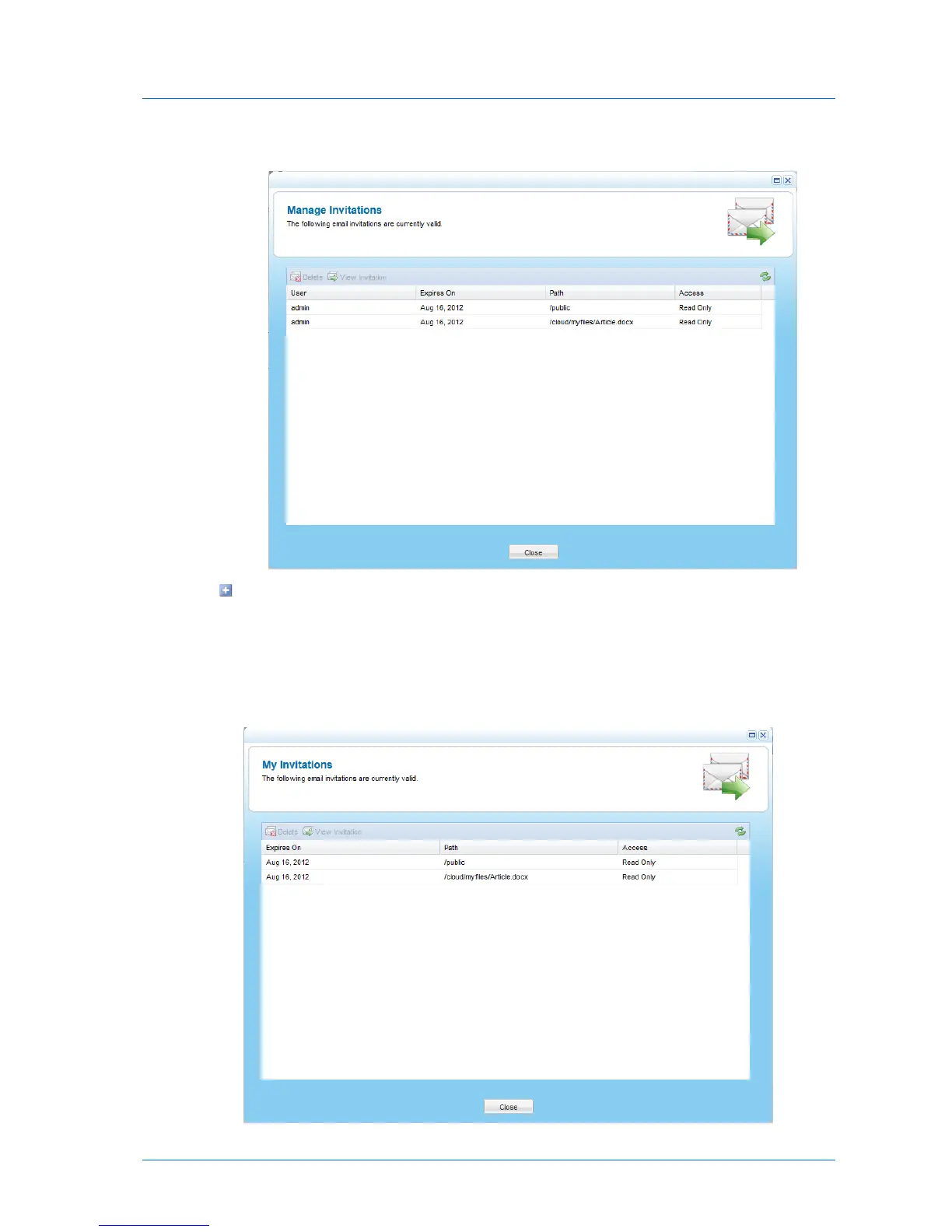
The Manage Invitations window opens.
To view active guest invitations sent by you, in the Files tab's Show Shares tree pane
view, click My Invitations.
For information on changing the tree pane view, see Changing the Tree Pane View
(on page 278).
The My Invitations window opens.



 To Next Page