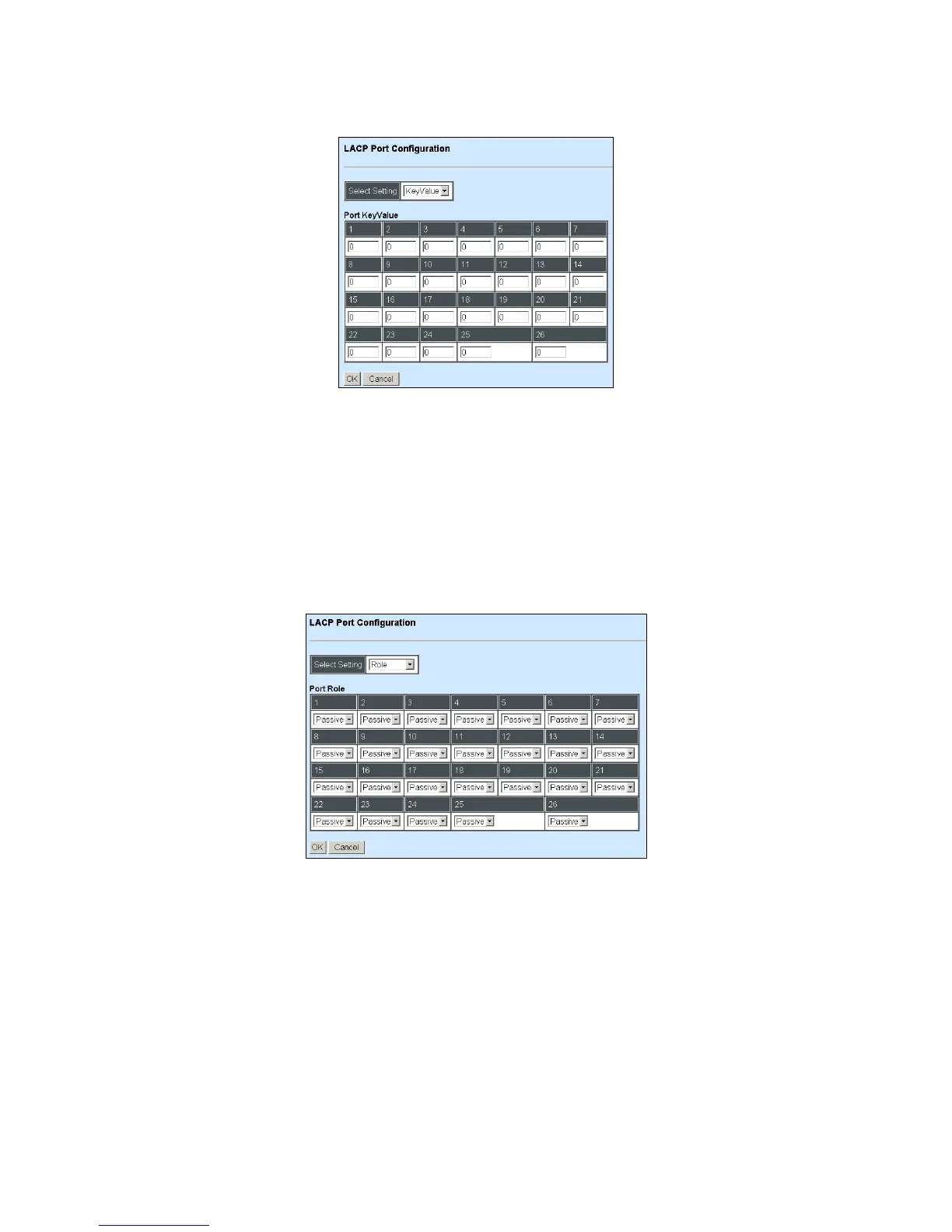
Configure Key Value:
Select “Key Value” from the pull-down menu of Select Setting.
Ports in an aggregated link group must have the same LACP port Key. In order to allow a port to
join an aggregated group, the port Key must be set to the same value. The range of key value is
between 0 and 255. When key value is set to 0, the port Key is automatically set by the Managed
Switch.
Configure Port Role:
Select “Role” from the pull-down menu of Select Setting.
“Active” Port Role: Active LACP ports are capable of processing and sending LACP control
frames. This allows LACP compliant devices to negotiate the aggregated link so that the group
may be changed dynamically as required. In order to utilize the ability to change an aggregated
port group, that is, to add or remove ports from the group, at least one of the participating devices
must designate LACP ports as active. Both devices must support LACP.
“Passive” Port Role: LACP ports that are designated as passive cannot initially send LACP
control frames. In order to allow the linked port group to negotiate adjustments and make changes
dynamically, one end of the connection must have “active” LACP ports.



 To Next Page
 Loading...


