4.6 System Utility
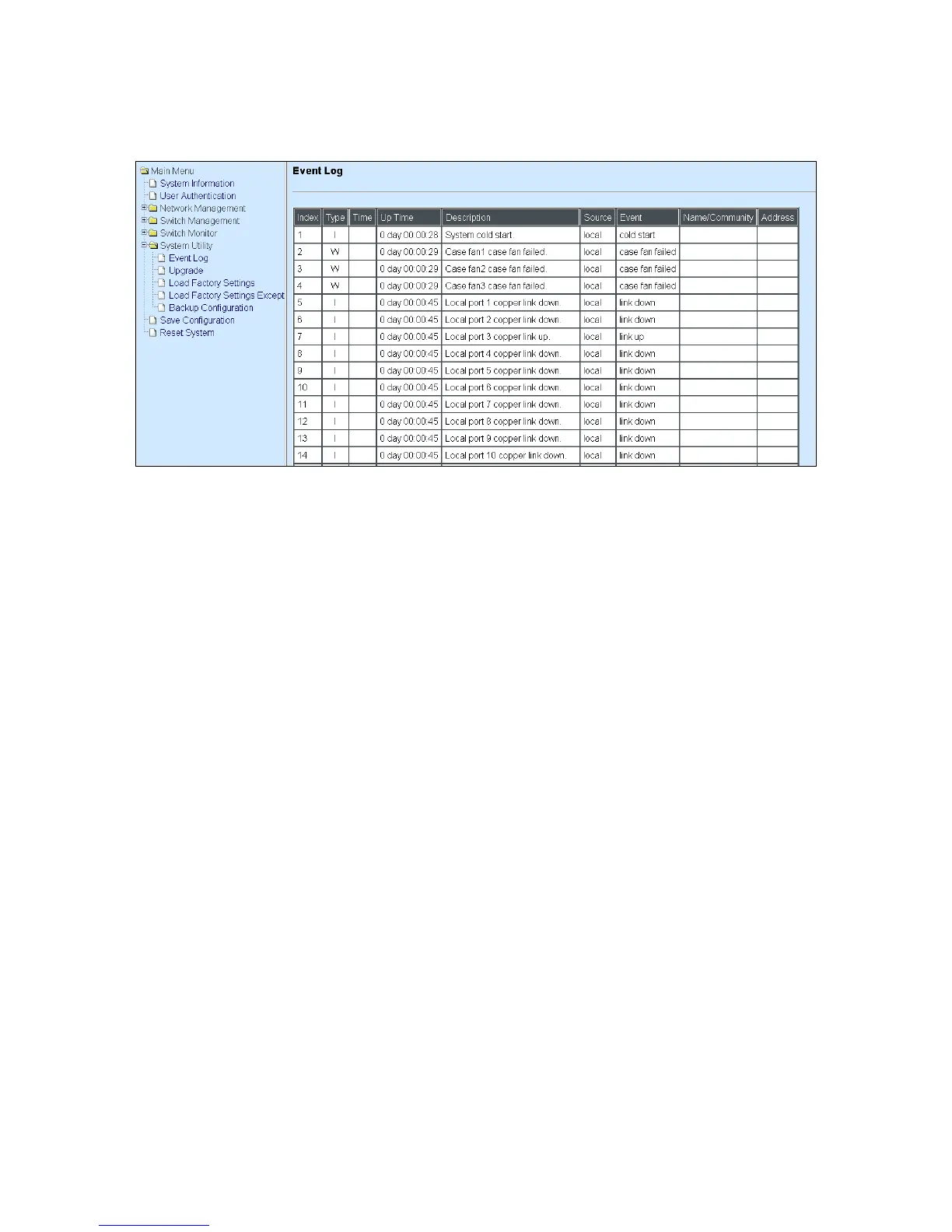
System Utility allows users to easily operate and maintain the system. Select the folder System
Utility from the main menu and then the following screen page appears.
1. Event Log: Event log can keep a record of system‟s log events such as system warm start,
cold start, link up/down, user login/logout, etc. They will be kept only when your CPU version
is A06 with Boot ROM version A08 or later version. If your CPU or Boot ROM version is older
than the one mentioned above, all events will lose when the system is shut down or rebooted.
2. Update: This allows users to update the latest firmware, save current configuration or restore
previous configuration to the Managed Switch.
3. Load Factory Setting: Load Factory Setting will set the configuration of the Managed Switch
back to the factory default settings. The IP and Gateway addresses will be set to the factory
default as well.
4. Load Factory Setting Except Network Configuration: Selecting this function will also restore
the configuration of the Managed Switch to its original factory default settings. However, this
will not reset the IP and Gateway addresses to the factory default.
5. Backup Configuration: Set up the configuration for backup.



 To Next Page
 Loading...


