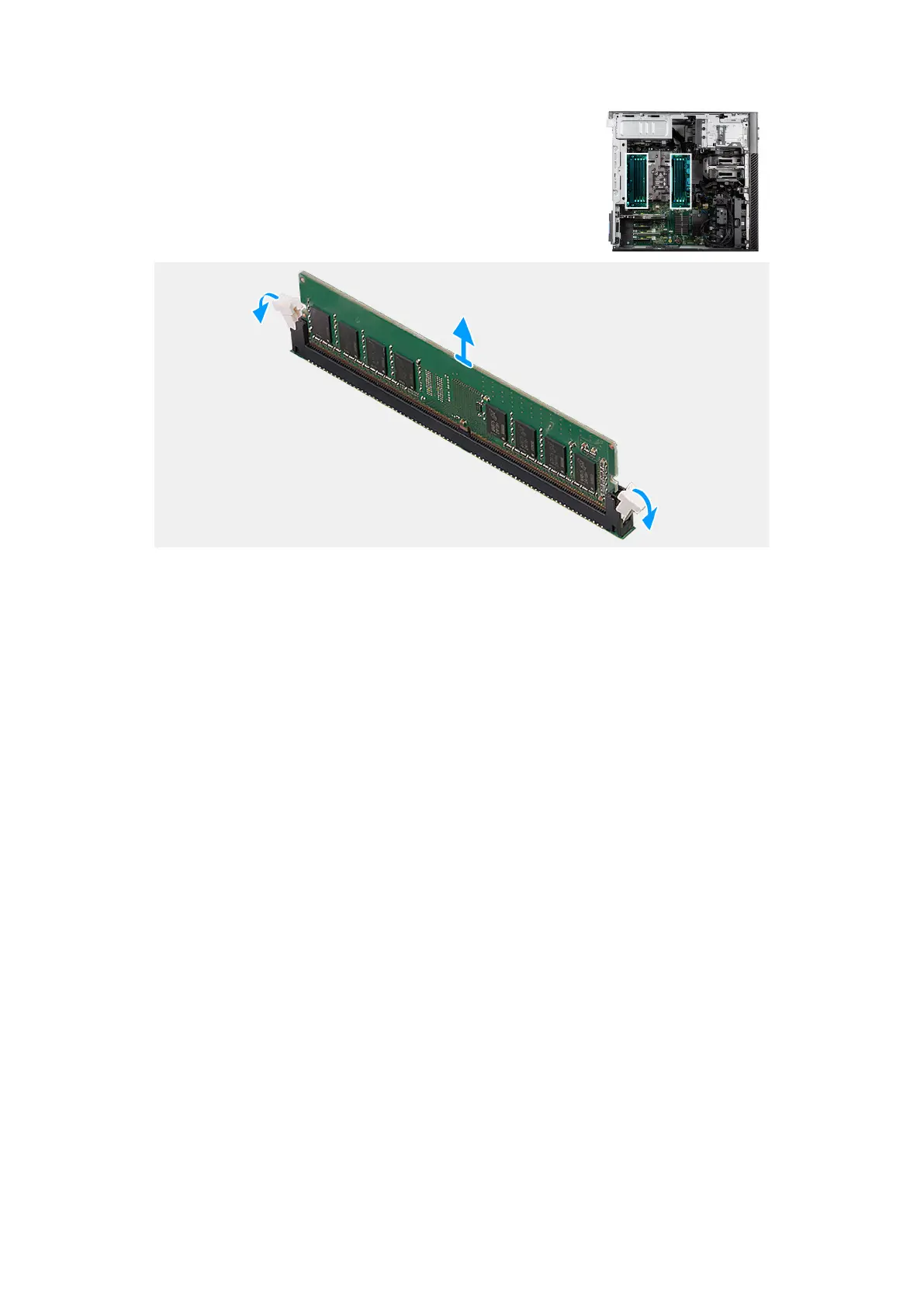
Figure 87. Removing the memory module
Steps
1. Pull the securing clips from both sides of the memory module until the memory module pops up.
2. Slide and remove the memory module from the memory-module slot.
Repeat step 1 and step 2 for rest of memory module slots (if applicable).
Installing the memory module
Prerequisites
If you are replacing a component, remove the existing component before performing the installation procedure.
About this task
The following image indicates the location of the memory module and provides a visual representation of the installation
procedure.
Removing and installing Customer Replaceable Units (CRUs)
115














 To Next Page