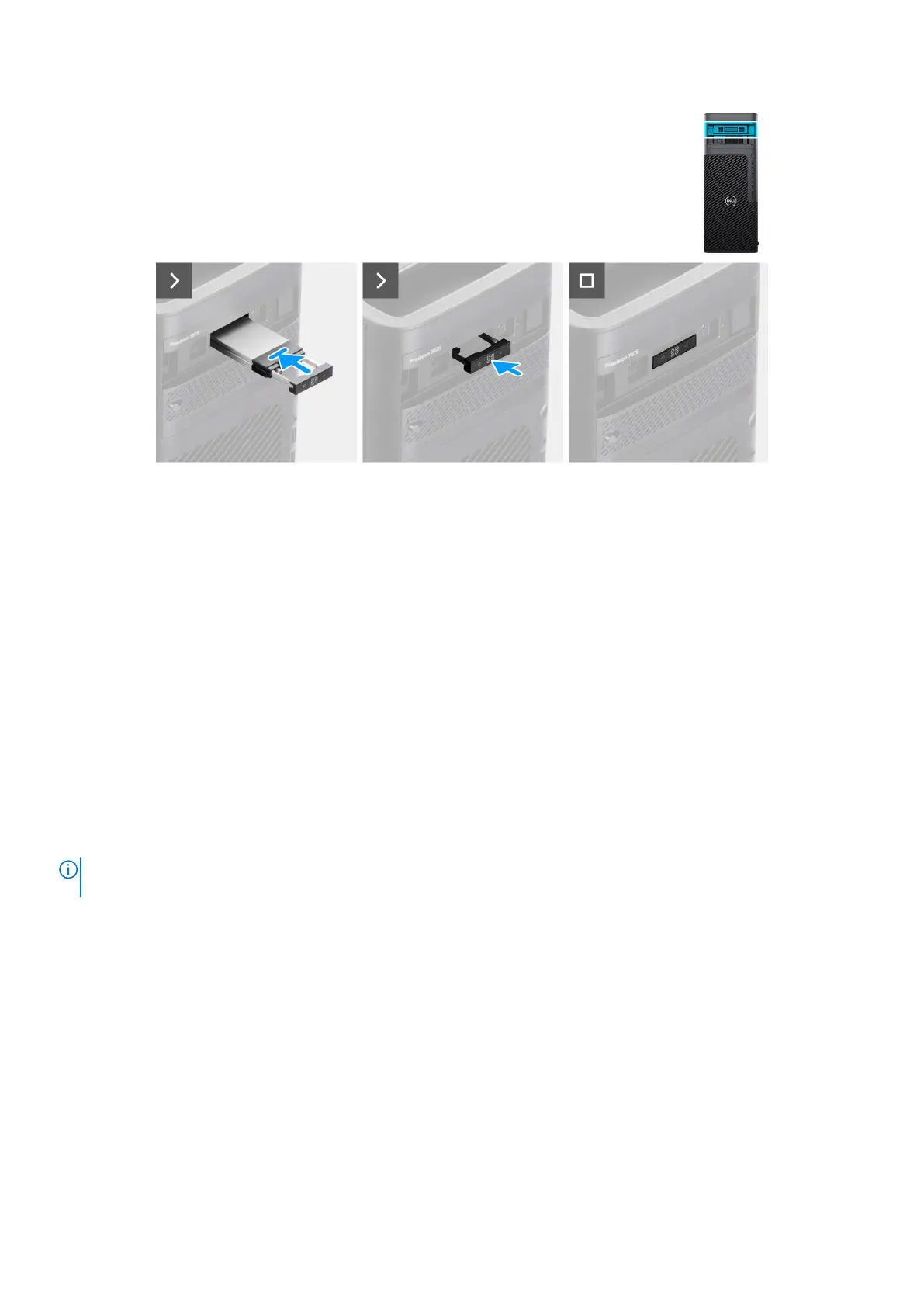
Figure 37. Installing the external solid-state drive assembly
Steps
1. Slide and insert the solid-state drive assembly into the external flex bay slot.
2. Push and close the release latch to secure the solid-state drive assembly in place.
Next steps
1. Follow the procedure in After working inside your computer.
Air shroud
Removing the air shroud
Prerequisites
1. Follow the procedure in Before working inside your computer.
2. Remove the side cover.
NOTE:
Removing the air shroud disconnects the memory fan module as the memory fan module is integrated in the air
shroud.
About this task
The following image indicates the location of the air shroud and provides a visual representation of the removal procedure.
Removing and installing Customer Replaceable Units (CRUs)
63














 To Next Page