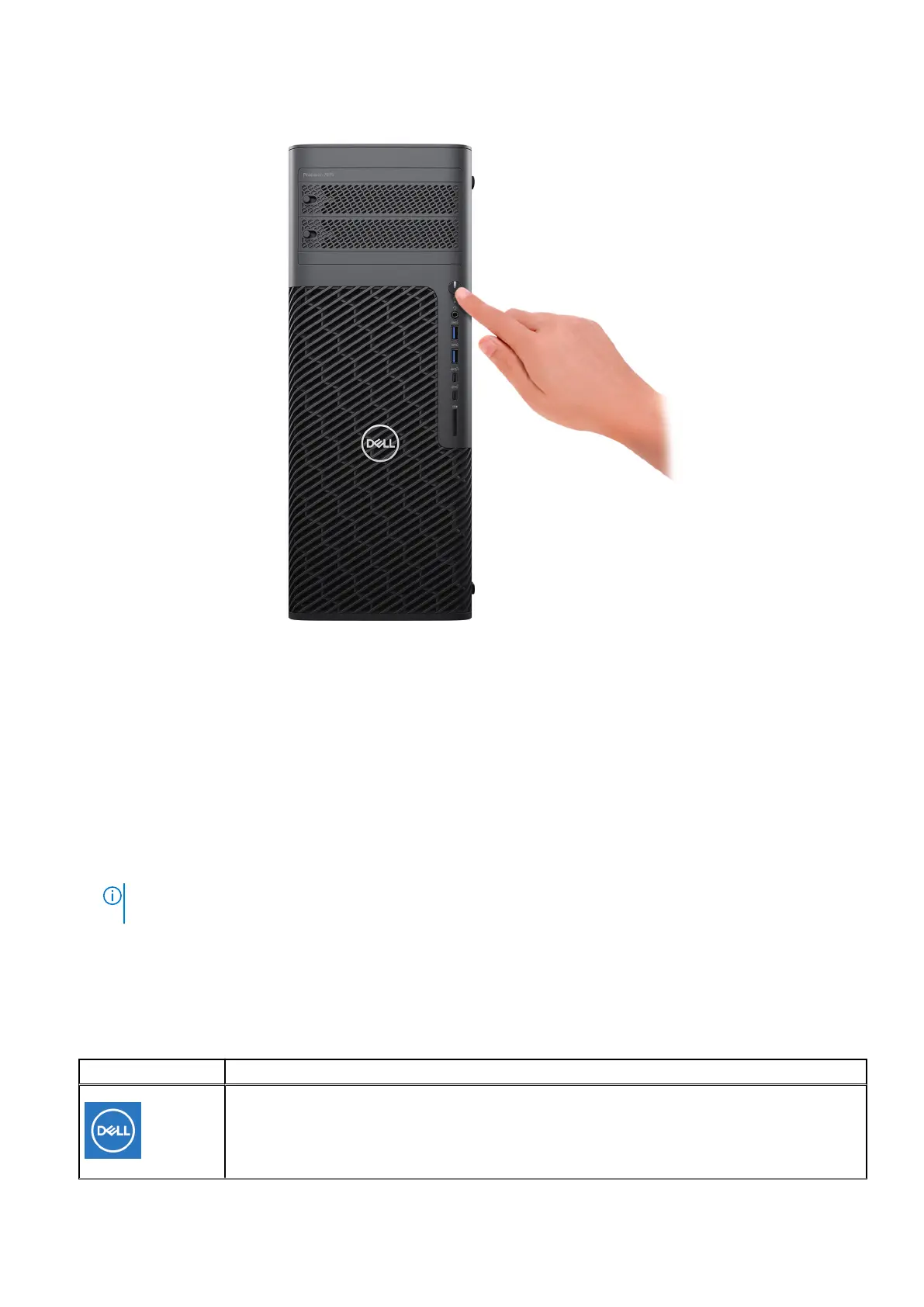
Figure 7. Press the power button
6. Finish the operating system setup.
For Ubuntu:
Follow the on-screen instructions to complete the setup. For more information about installing and configuring Ubuntu,
search in the Knowledge Base Resource at www.dell.com/support.
For Windows:
Follow the on-screen instructions to complete the setup. When setting up, Dell Technologies recommends that you:
● Connect to a network for Windows updates.
NOTE:
If connecting to a secured wireless network, enter the password for the wireless network access when
prompted.
● If connected to the Internet, sign-in with or create a Microsoft account. If not connected to the Internet, create an
offline account.
● On the Support and Protection screen, enter your contact details.
7. Locate and use Dell apps from the Windows Start menu—Recommended
Table 1. Locate Dell apps
Resources Description
MyDell
MyDell is a software application that offers you a single streamlined engagement platform including
account access, device information, and hardware settings. This software delivers intelligent
features that automatically fine-tune your computer for the best possible audio, power, and
Set up your computer 13














 To Next Page