● Off: No Power
● On: Power is supplied.
Power button light
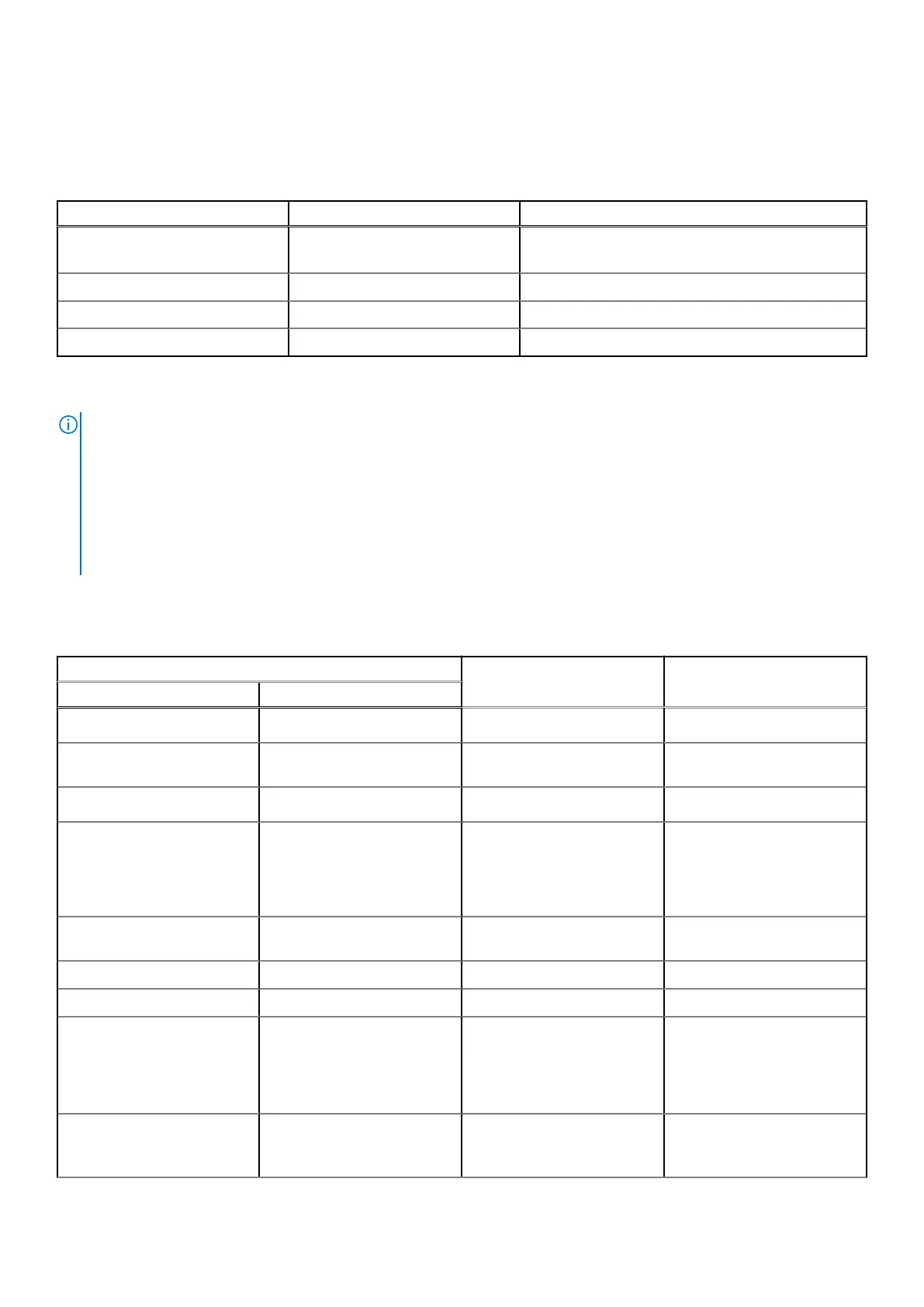
Table 53. Power button LED status
Power button LED state System state Description
Off
● S4
● S5
There is in Hibernate or Off state.
Solid White S0 Working state
Solid Amber Various sleep states or No POST
Blinking Amber/White Failure to POST
This platform relies on the Power button LED light blinking in an amber/white pattern to determine a failure as listed in the
following table:
NOTE:
The blinking patterns consist of two numbers (representing the First Group: Amber blinks, Second Group: White blinks).
● First Group: The Power button LED light blinks Amber, 1 to 9 times followed by a short pause with the LED off for a
couple of seconds.
● Second Group: The Power button LED light then blinks White, 1 to 9 times, followed by a longer pause before the next
cycle starts again after a short interval.
.
Example: No Memory detected (2,3). The power button LED blinks 2-times in Amber followed by a pause, and then blinks
3-times in White. The Power button LED will pause for a few seconds before the next cycle repeats itself again.
Table 54. System-diagnostic lights
Blinking pattern
Problem description Suggested resolutionAmber White
1 1 TPM detection failure
Replace the system board.
1 2 Unrecoverable SPI Flash
Failure
Replace the system board.
1 5 EC unable to program i-Fuse
Replace the system board.
1 6 Generic catch-all for
ungraceful EC code flow
errors
Disconnect all power source
(AC, battery, coin cell) and
drain flea power by pressing
and holding down the power
button for 3~5 seconds.
1 7 Non-RPMC Flash on Boot
Guard fused system
1 8 Reserved
1 9 Reserved
2 1 CPU failure
● Run the Dell Support
Assist/Dell Diagnostics
tool.
● If the problem persists,
replace the system board.
2 2 System board failure (included
BIOS corruption or ROM
error)
● Flash latest BIOS version
● If the problem persists,
replace the system board.
Troubleshooting 177














 To Next Page