User’s Manual
77
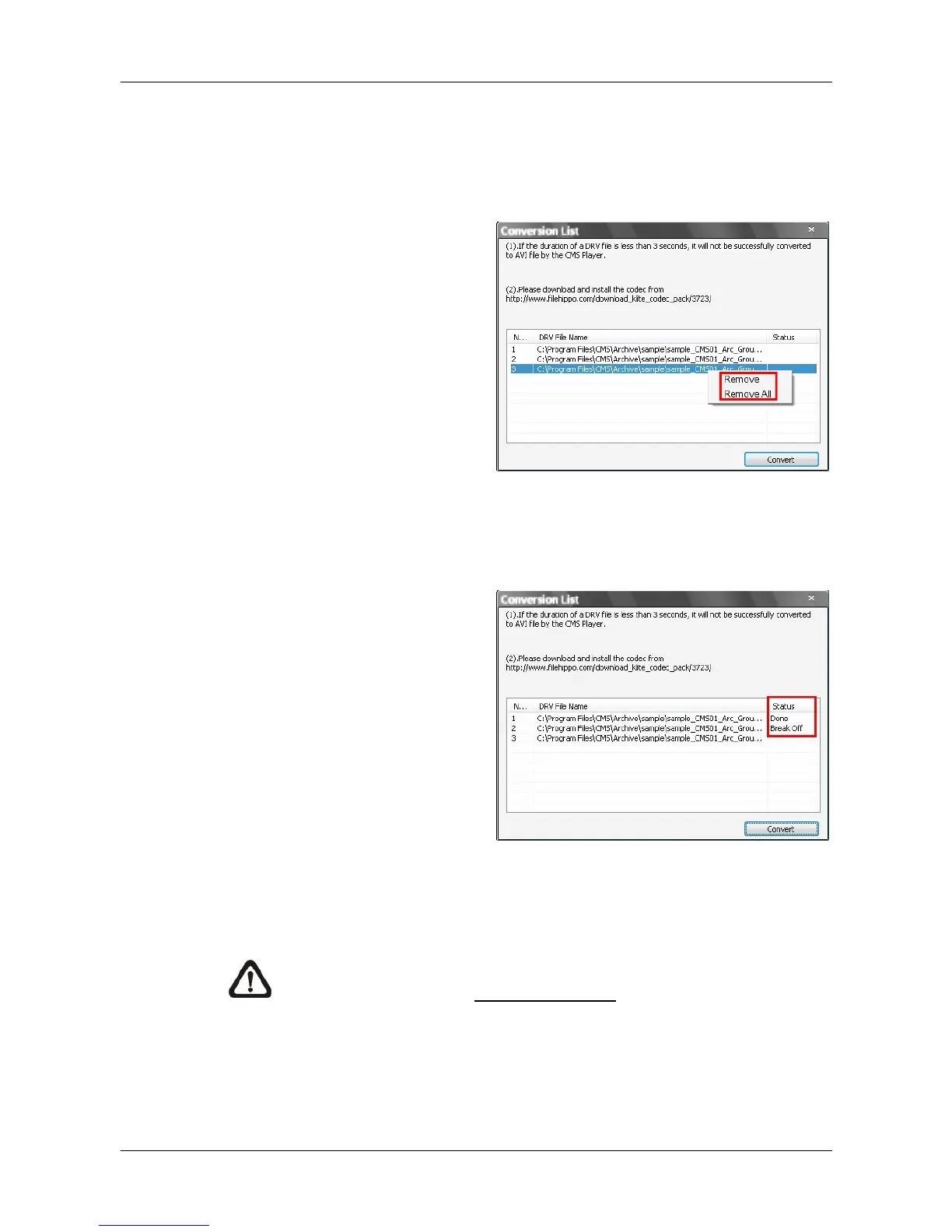
The messages shown on the conversion list windows are very important. If
the duration of a DRV file is less than 3 seconds, the file will not be
successfully converted. In addition, a link is provided for users to download
and install video codec in order to playback the converted AVI files.
If users wish to remove any file
from the conversion list, right
click on the file and select
<Remove> or <Remove All> to
delete files from the list. Click
<Convert> to start conversion
of files on the list.
A progress window will be displayed to show current progress of conversion.
If users wish to terminate the conversion, click <STOP> to abort.
If the conversion is aborted, the
status column will show “Break
Off” for the specific file aborted.
If the file failed to be converted,
the status column will show
“Fail”.
Once the conversion is completed, the converted files will be stored in the
folder specified in file path setting of CMS Player.
NOTE: If the converted AVI files cannot be played due to lack of codec,
please refer to appendix Install AVI Codec.



 To Next Page