User’s Manual
82
Missing/Foreign Object Detection:
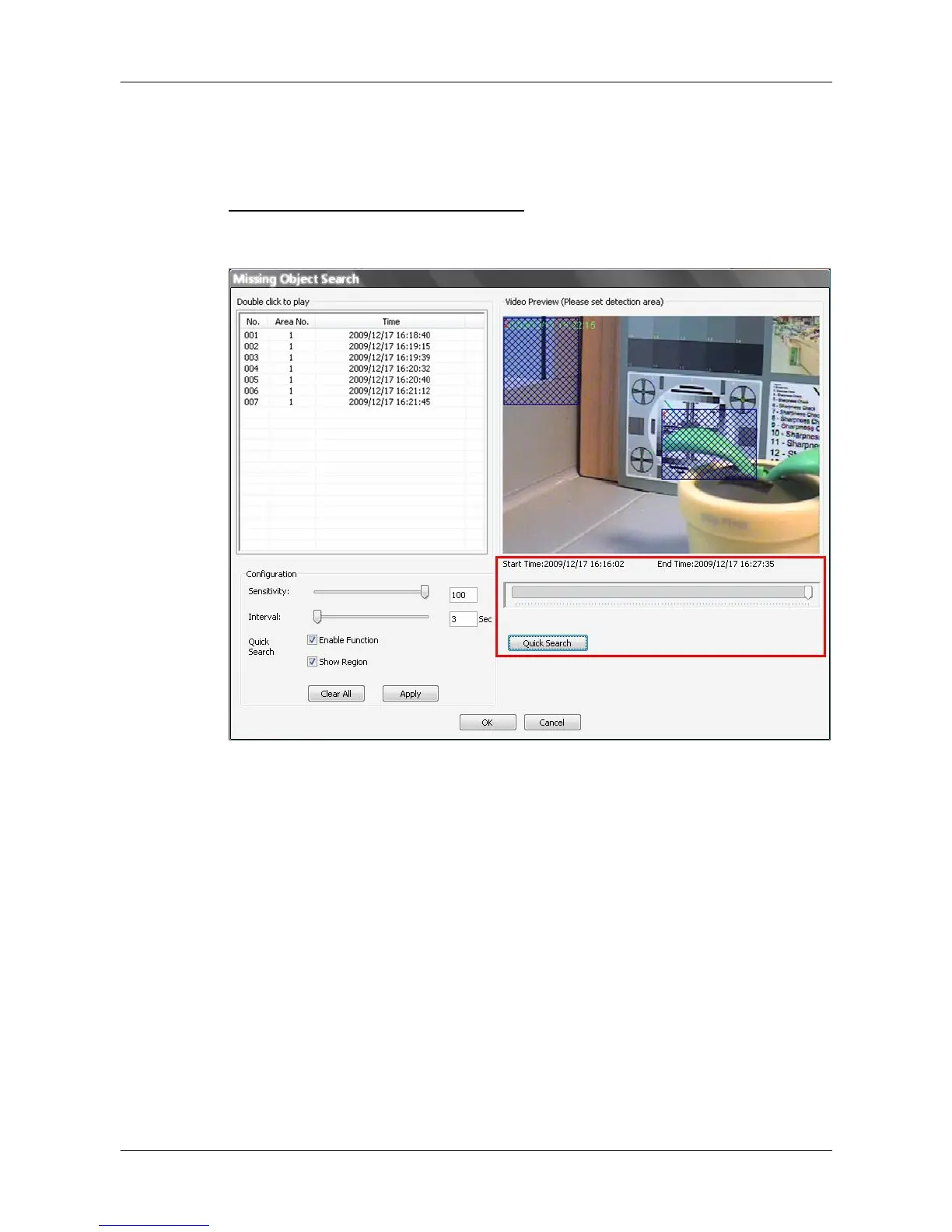
Click on the <Frame View Setting> icon and select <Missing/Foreign Object
Detection>. The basic configuration of Missing/Foreign Object Detection
function in CMS Player is the same as what is in CMS. Please refer to section
Missing/Foreign Object Detection for more details. This section will
introduce the different part of the Missing/Foreign Object Detection function in
CMS Player.
Quick Search: Click on it to quick skim through the video for object search of
the selected area(s). The list will be filled when foreign or lost
of object alert(s) found.
Stop Quick Search: Click on it to stop quick search.



 To Next Page