User’s Manual
89
Event Video Playback
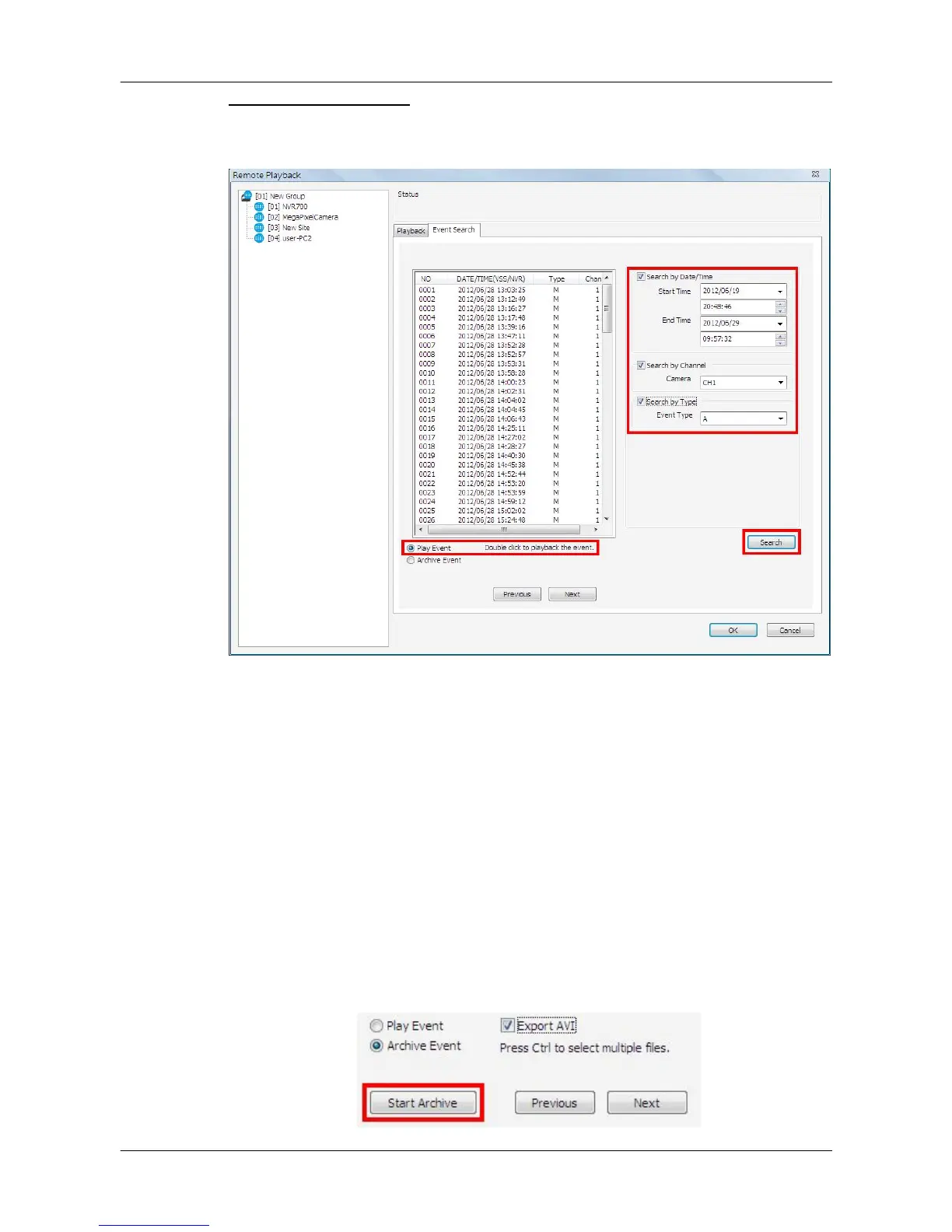
After a site is selected, click on the <Event Search> tab and the event list will
be displayed. Users can scroll down the list to look for target event video.
There are three search options on the right for users to filter the event list
according to the requirement. After the options are set, click on <Search> at
below and the event list will be filtered with the setting constrain.
Underneath the event list, select <Play Event> and double click on any item
to playback the event video.
Archive Event Videos:
Users can also download event videos to the local computer. Below the event
list, select <Archive Event> choose a preferred event to download it. If more
than one event is needed, press the “Ctrl” key to select multiple event videos.
The maximum items can be selected is 1,000, which is the capacity of the list.



 To Next Page