User’s Manual
101
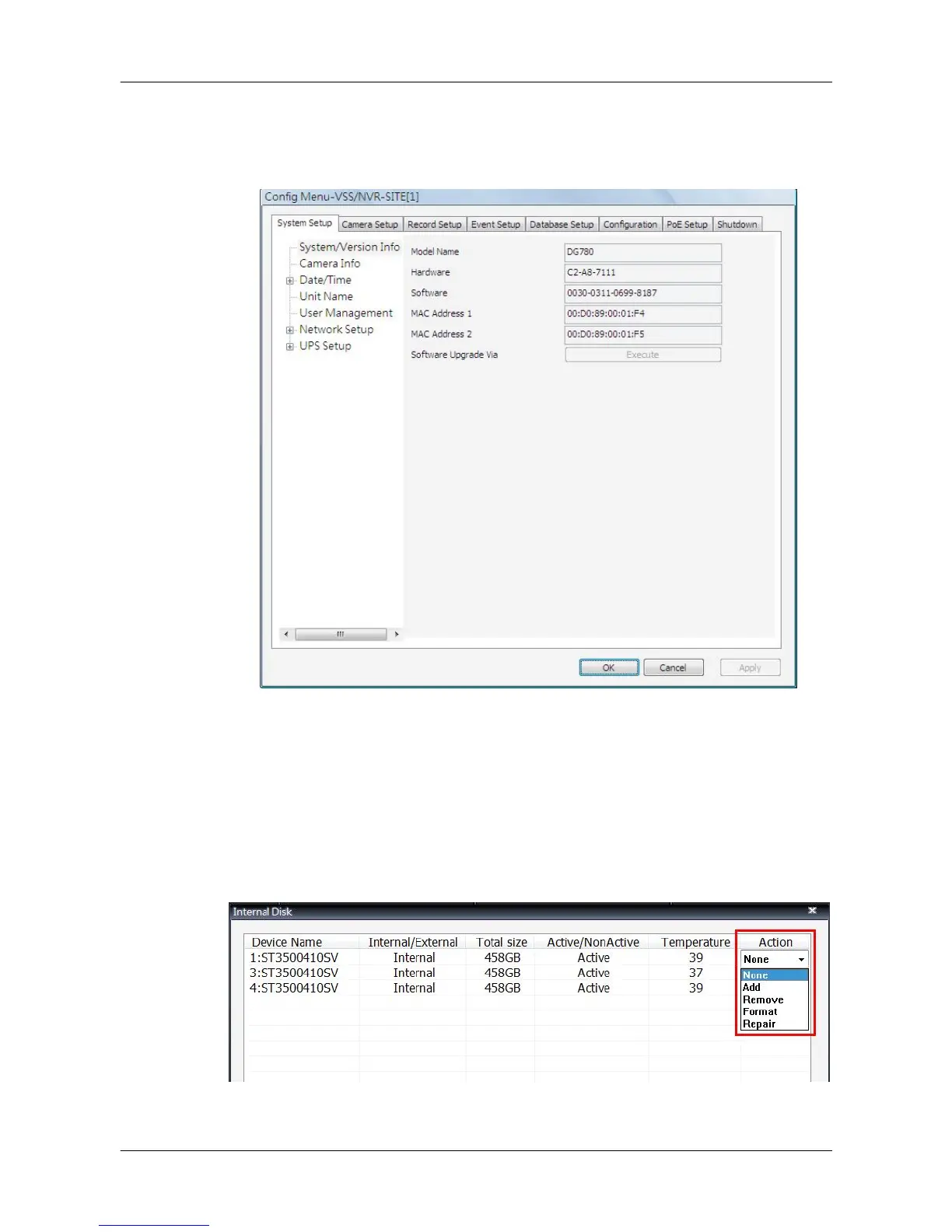
Configuration Menu of a NVR:
The following is the OSD Menu of a NVR. Some items are not available in
CMS setting condition. Please refer to User’s Manual and OSD Setup Manual
of the NVR for detailed instruction.
Editing the HDD of Network Video Storage (NVS):
Go to <Database Setup> tab and click on the <Execute> button next to
<Internal Disks>, and a list will popup showing all internal HDDs. The list also
contains information about total size, state, and temperature of the internal
HDDs. <Active> means the HDD is added to the NVS database. Under
<Action> column, users can add or remove a HDD to/from the database, and
format or repair a HDD.



 To Next Page