User’s Manual
102
Configuration Menu of an IP Camera via VSS Site:
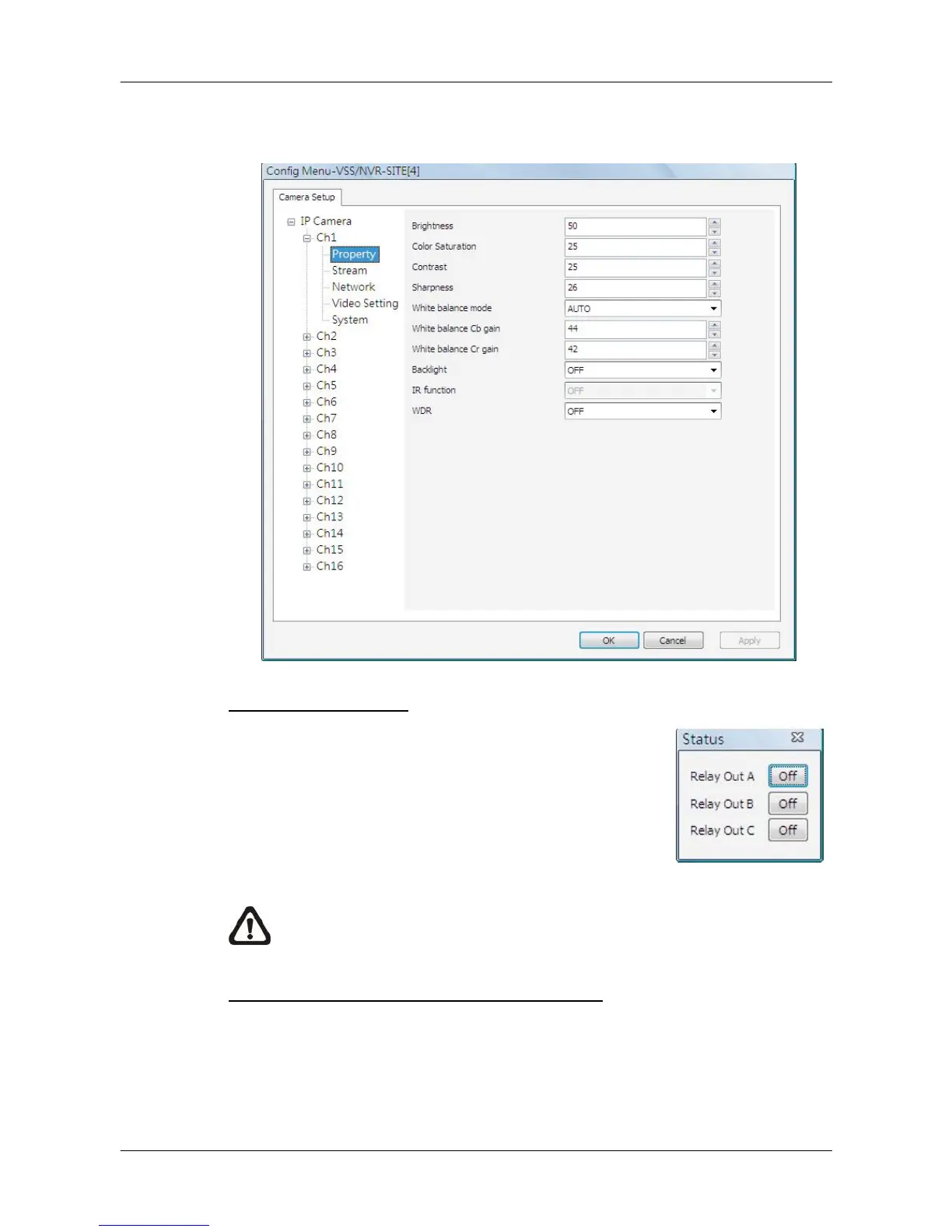
An example of the configuration window of the VSS site is shown as below.
Users can edit the IP camera’s configuration settings.
Relay Out (DVR Only)
For DVR sites, users are allowed to manually trigger
preset relay out alarms at the DVR side. Click on the
<RelayOut> button and a status window will be
displayed, as on the right. Click on the button next to
any relay out alarm to manually trigger it. Click on the
button again to switch it off.
NOTE: Different models of DVR will have different number of relay out
alarms.
Bandwidth – Normal/Dual Stream (DVR Only)
For different networks with different bandwidths, two streaming options are
provided – Normal Stream and Dual Stream. Users who are using high-speed
networks, normal stream will be a recommended choice. Depending on the
HDD capacity and network usage, set to high, middle or low bandwidth.



 To Next Page