User’s Manual
107
NOTE: CMS Player also has Missing/Foreign Object Detection
function, and it is slightly different from what’s in CMS. Refer to the
appendix A for more details.
Click on <OK> to apply the settings, or click on <Cancel> to disregard and
return to Live mode. The selected boxes will not be shown on the live
monitoring screen.
NOTE: The “Motion Detection” function and “Missing/Foreign Object
Detection” function can be enabled simultaneously.
Counting Application (PRO Version Only)
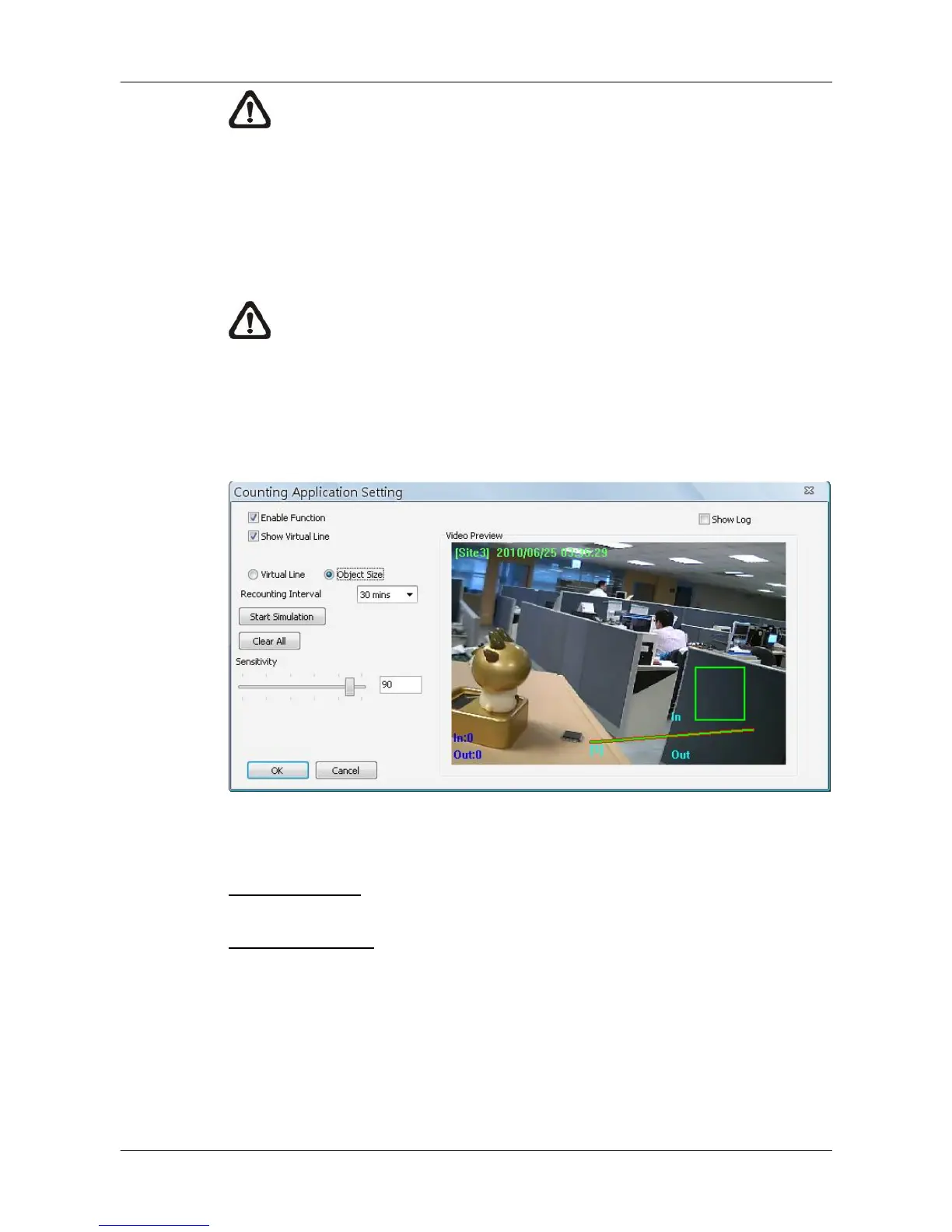
Counting Application enables users to keep tracks of object entrance/exit at
designated positions. Click on the <Counting Application> button and the
counting application setting window will be shown as below.
Refer to the following for description of counting application settings.
Enable Function: Check on it to enable counting application.
Show Virtual Line: Check on it to display the virtual line on Live monitoring
display.



 To Next Page