User’s Manual
108
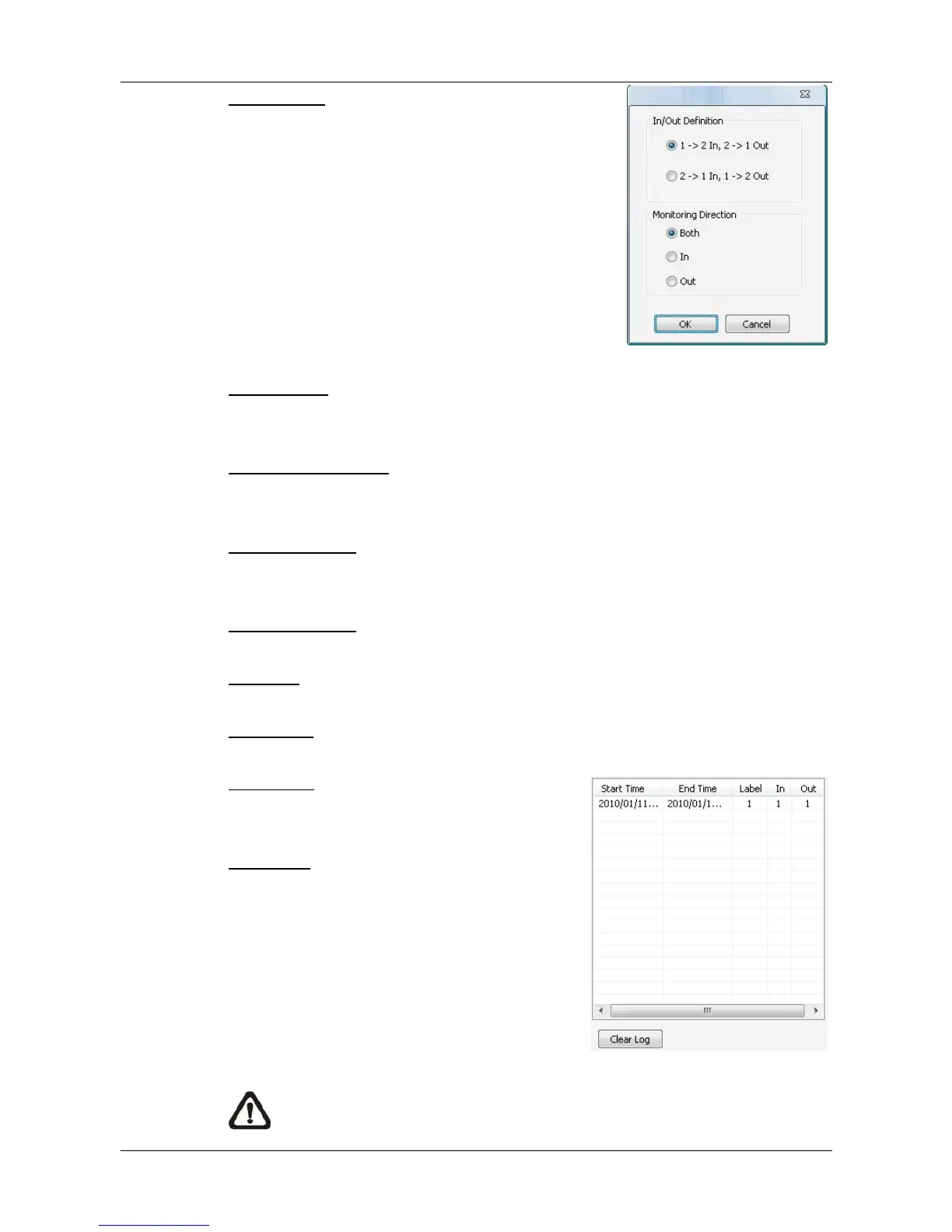
Virtual Line: Click to select this and users can
draw virtual lines at preferred positions. After a
virtual line is drawn, a window will pop up as
shown on the right. Users have to define In/Out
direction and monitoring type. A maximum of 10
virtual lines can be defined for each camera.
Object Size: After the virtual line is drawn, users need to define size of
detecting object. Click and drag the mouse to define a preferred object size.
Recounting Interval: Users need to specify duration of time segment. The
In/Out counting numbers will be reset for each time segment.
Start Simulation: Click on it to start simulating counting application. The In/Out
counter will show numbers of detections.
Stop Simulation: Click on it to stop simulation.
Clear All: Click on it to clear all defined virtual lines and the object size box.
Sensitivity: Setup a preferred sensitivity level.
Show Log: Check on it and the log will be
displayed as shown on the right.
Clear Log: Click on it to clear the log.
Click on <OK> to apply the settings, or click
on <Cancel> to disregard and return to Live
mode.
NOTE: Counting Application function is also available in CMS Player.
The setting options are exactly the same as in CMS.



 To Next Page