OSD Setup Manual
70
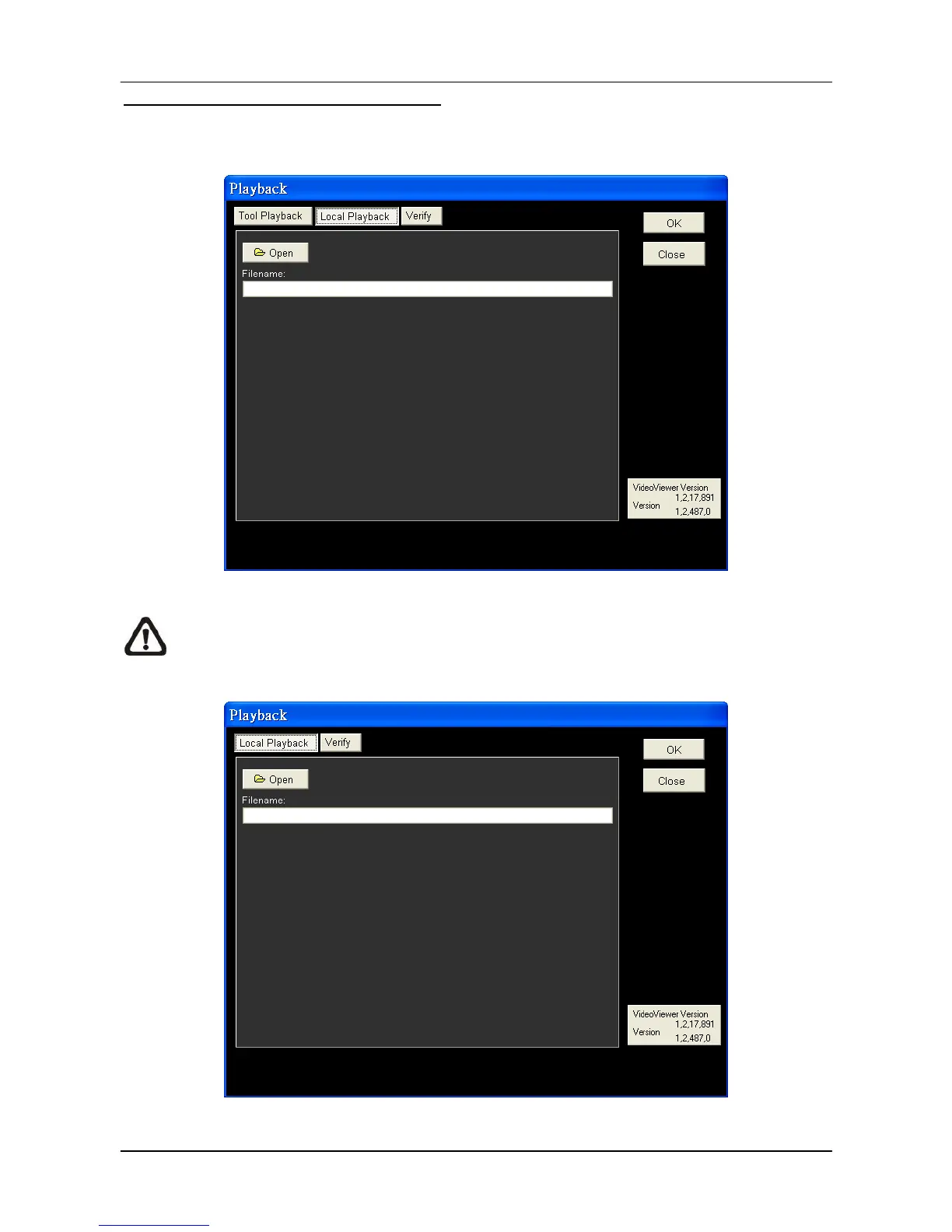
Local Playback the selected *.drv files
In the <Local Playback> tab, as shown below, users can click <Open> to select a specific
*.drv file and click <OK> to playback the file on the main window.
Note: If users click the close button at the top-right corner of the “Data List” window,
the following “Playback” window with <Local Playback> tab and <Verify> tab only.
The function of <Verify> tab will be described on the next page.



 To Next Page