102
EBS Ink Jet Systeme 20140704#1.0
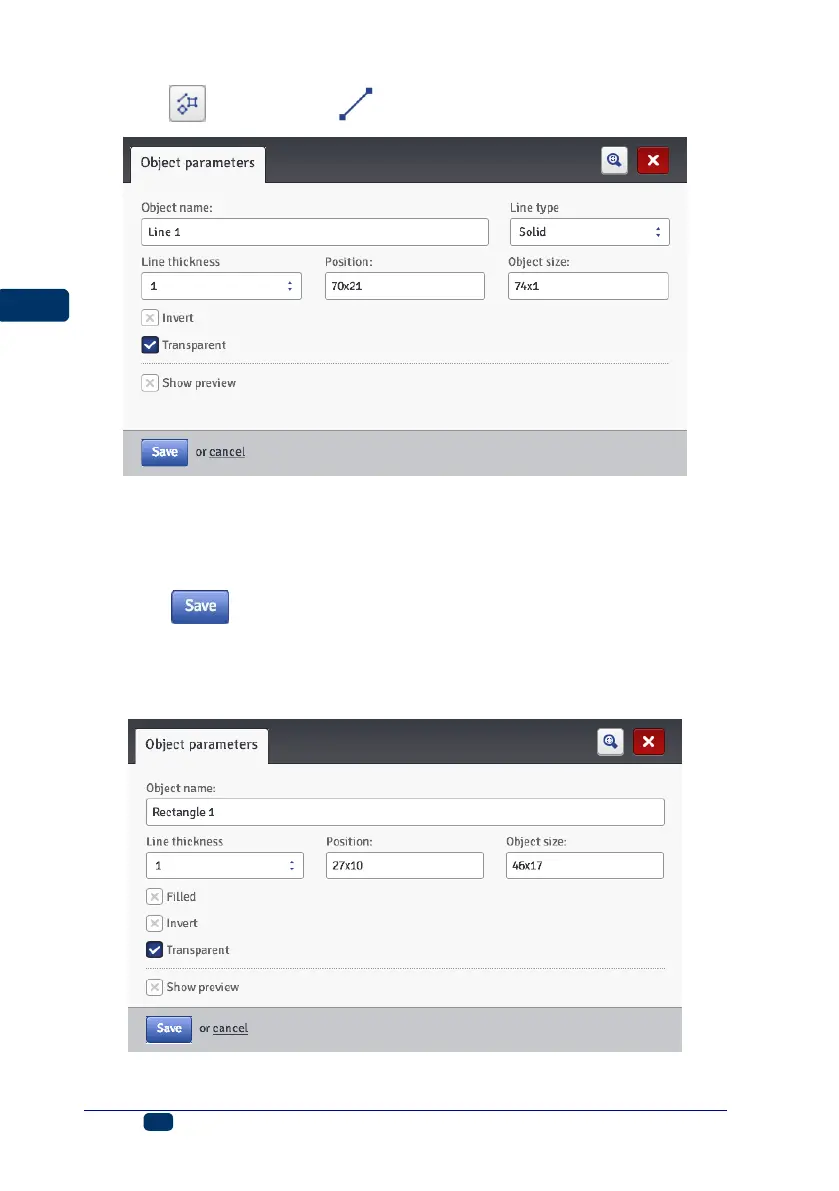
Touch the button and then to add a new, Line-type object to a project.
You can set the Line thickness in the range from 1 to 30. the Line thickness
is given as a number of dots (pixels).
If the Invert check box is ticked, then where the Line ”covers” another object
that might be in a lower layer, the common section of the line and that other
object is not printed.
Touch the button in order to confirm the settings.
Shape-type Object – Rectangle
With the Rectangle object you can print any rectangle: an outline only or the
entire figure (in the latter case the Filled check box needs to be ticked).



 To Next Page