20140704#1.0 EBS Ink Jet Systeme
109
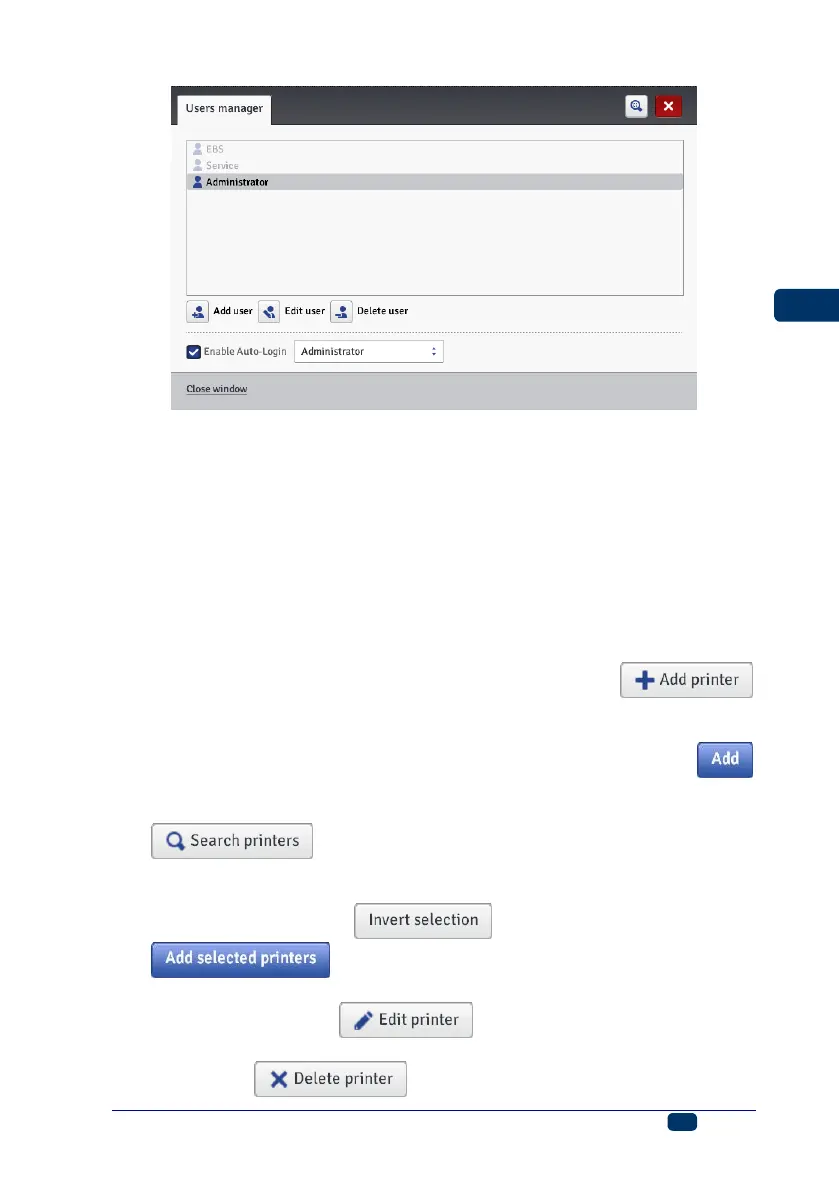
Two access groups: Administrator and Operator, are important for a printer user.
Administrator and the users added to the Administrator group have access to
the project and parameter processor, to the printer tools and control and they
can also add new users and edit and delete existing ones.
Operator and the users added to the Operator group have access only to
printer operations: they can create a project for printing, start and stop printing.
The unavailable options are in gray.
Printers Network Manager
In the Tools menu, which is on the menu bar, you can choose Printers
network manager. With the Manager you can do the following:
You can add a new printer to a network by touching the
button. In the window displayed, type in the Printer name (a name that
facilitates identification of the printer in the list) and the Printer IP, and
choose the Printer model in the drop-down list and then touch the
button.
You can add a new printer to a network by touching the
button. The environment is searched and the printers
available are listed. You can expand you network by adding a selected
printer by ticking the check box that is near the printer name or all printers
by touching the button and then the
button.
You can edit the data of a printer that is in the list by highlighting the printer
name and touching the button.
You can delete a printer from the list by highlighting the printer name and
touching the button.



 To Next Page