76
EBS Ink Jet Systeme 20140704#1.0
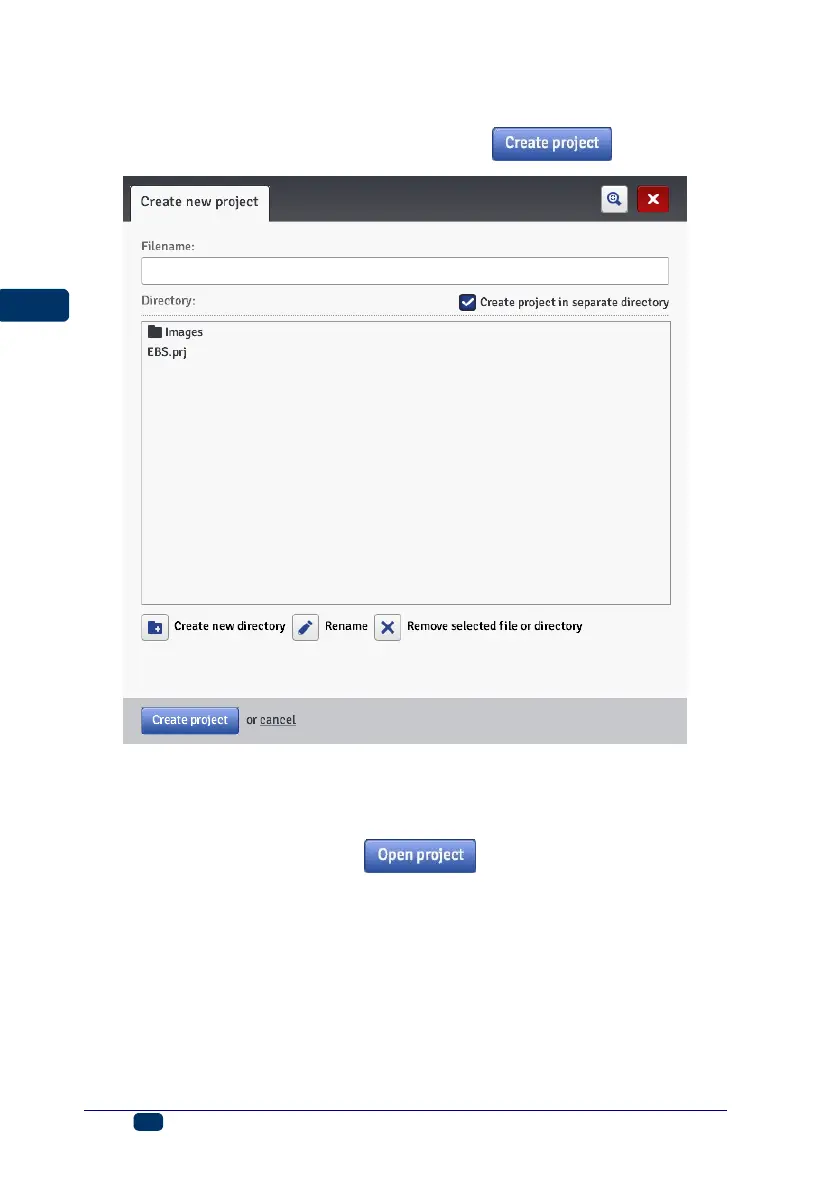
box, a folder is created with the same name as the name of the project. In the
drop-down list choose the type of the printer for which the project is designed
(only when Offline WUI is used), and then touch the button.
Open and Edit a Project
In the Projects menu, which is on the menu bar, choose the Open project
command. Highlight the name of a project in the list you can see in the window
displayed, and then touch the button. When the name is
highlighted, a Project preview section is displayed next to the project list
whereas beneath the window you find the information about the project: when
Last modification was made and with the Printer type option - the type of
printer for which the project is designed.



 To Next Page