20140704#1.0 EBS Ink Jet Systeme
23
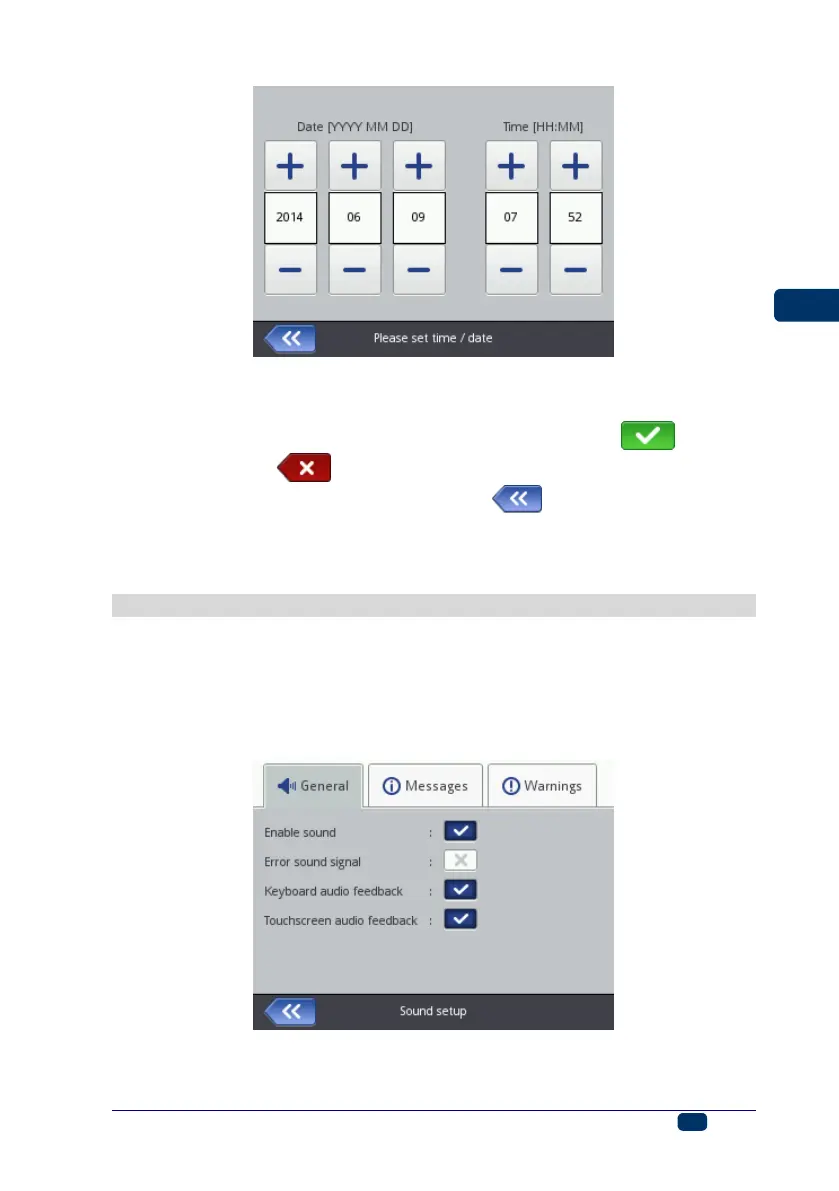
The date and time themselves and their formats can be modified in the general
settings menu – see General Settings (p. 112).
The modified parameter settings should be confirmed with the button or
abandoned with the button. If no modifications have been made, you can
go back to the previous screen by touching the button.
The date and time settings can also be modified with EBS Web User Interface –
see General Settings (p. 112).
Sound Settings
The sound settings are accessible by touching the following buttons in turn:
Tools (U), Settings and Sound.
In the General sheet tab you can set Error sound signal, Keyboard audio
feedback, Touchscreen audio feedback. If the Enable sound check box is
unticked, the sound is silenced completely, irrespective of what the settings of
the other options are.
In the Messages sheet tab you can modify the sound settings for starting and
stopping printing (Start printing sound signal and Stop printing sound
signal), accepting an ink container (Ink akcept sound signal), and also for



 To Next Page