20140704#1.0 EBS Ink Jet Systeme
37
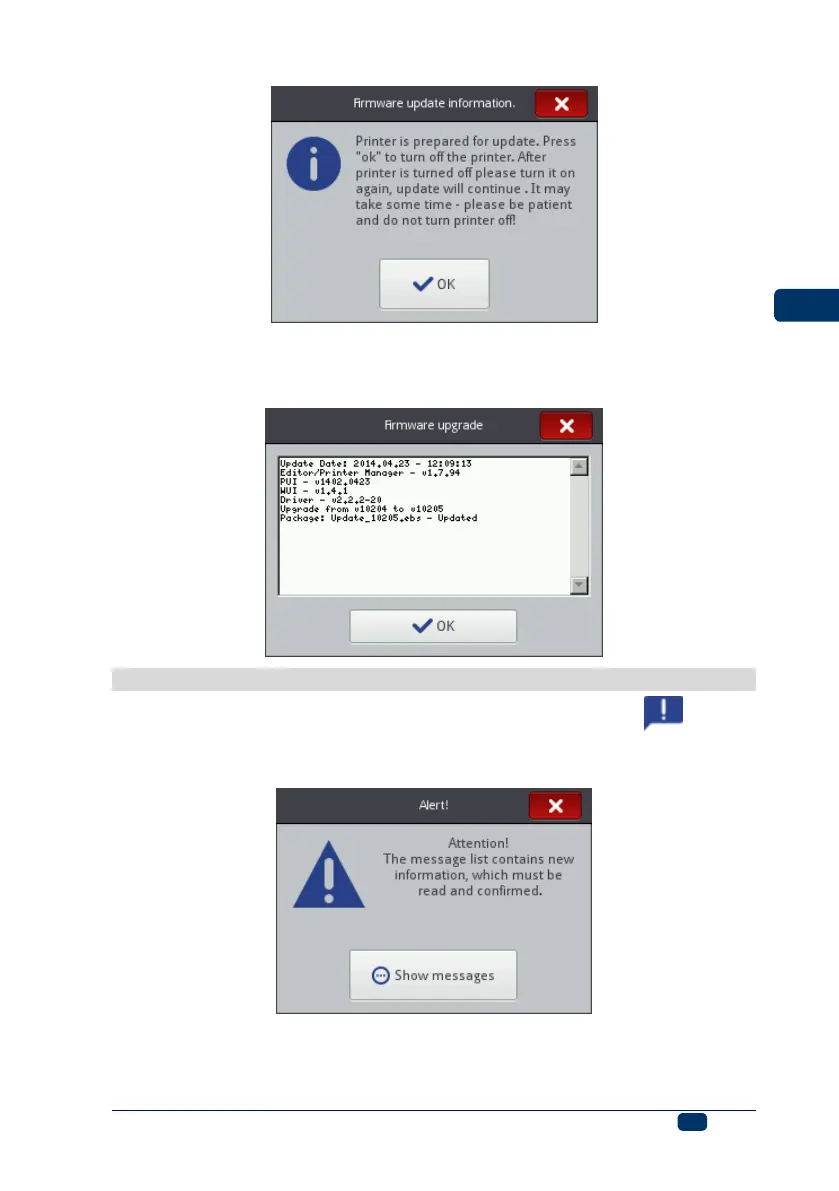
Wait until the printer switches off and then switch it on again and wait until the
updating finishes. The following report is displayed when the software is
updated successfully:
Messages
Important information about printer operation is signaled with the icon (B)
displayed on the status bar (the color of the icon indicates the type of message)
and the following window shown in the printer screen:



 To Next Page