38
EBS Ink Jet Systeme 20140704#1.0
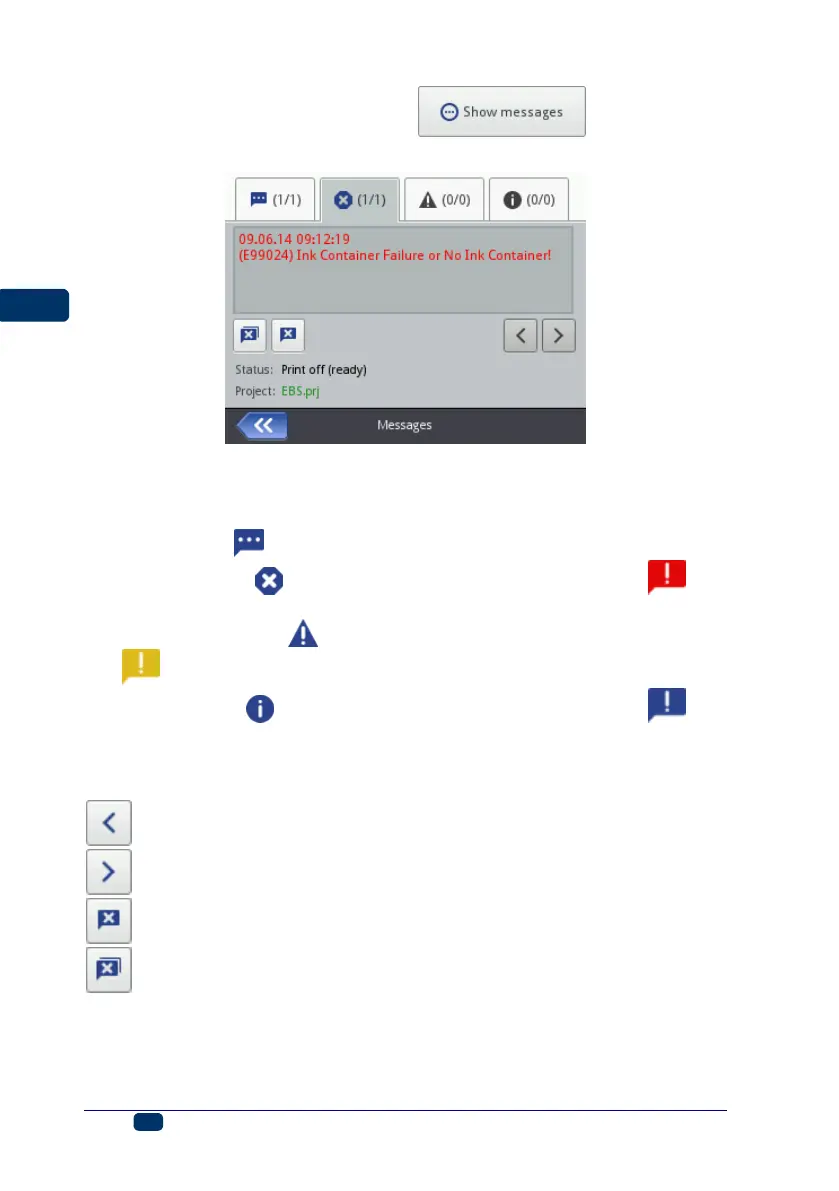
A list of messages is displayed after the button has been
touched.
The message list can also be displayed by touching the Tools (U) and
Messages buttons in turn.
The list is divided into four sheet tabs:
All messages ,
Error messages (the messages are displayed in red, and the icon
is shown on the status bar),
Warning messages (the messages are displayed in yellow, and the
icon is shown on the status bar),
Info messages (the messages are displayed in blue, and the icon
is shown on the status bar).
The following buttons are designed for use in order to view and delete
messages:
– to display the previous message,
– to display the following message,
– to delete a single message,
– to delete all messages.
If there are no messages at any time, the view buttons are inactive.



 To Next Page