116
EBS Ink Jet Systeme 20140704#1.0
Info
About
In the Info menu, which is on the menu bar, choose About.
In the window displayed you can view the manufacturer's contact details and
the version of printer software.
For the user who operates the printer on a standard basis, it is important to
have the information on the version of the system (System version). Owing to
it you can check whether you have up-to-date software on the printer.
The other version numbers and also the serial number of the printer are
necessary for service persons to perform diagnostic operations.
Operating statistics
In the Info menu, which is on the menu bar, choose Operating statistics.
In the window displayed you can view the data on the number of hours the
printer has run (work time) and on the number of prints made, split by user
report and service report (general statistics). The user report is generated for all
users generally. If you wish to obtain a separate report for a given user, clear
the statistics at the beginning of work. For that purpose tick the User info
report check box and then touch the button.
Additional statistics showing the number of prints made for each of the projects
are available after the Statistics parameter has been set to Enabled – see
General Settings (p. 112).
The report is updated after printing has been disabled (see Printing a Project
(p. 118)) and the statistics window has been closed and opened again.
Messages
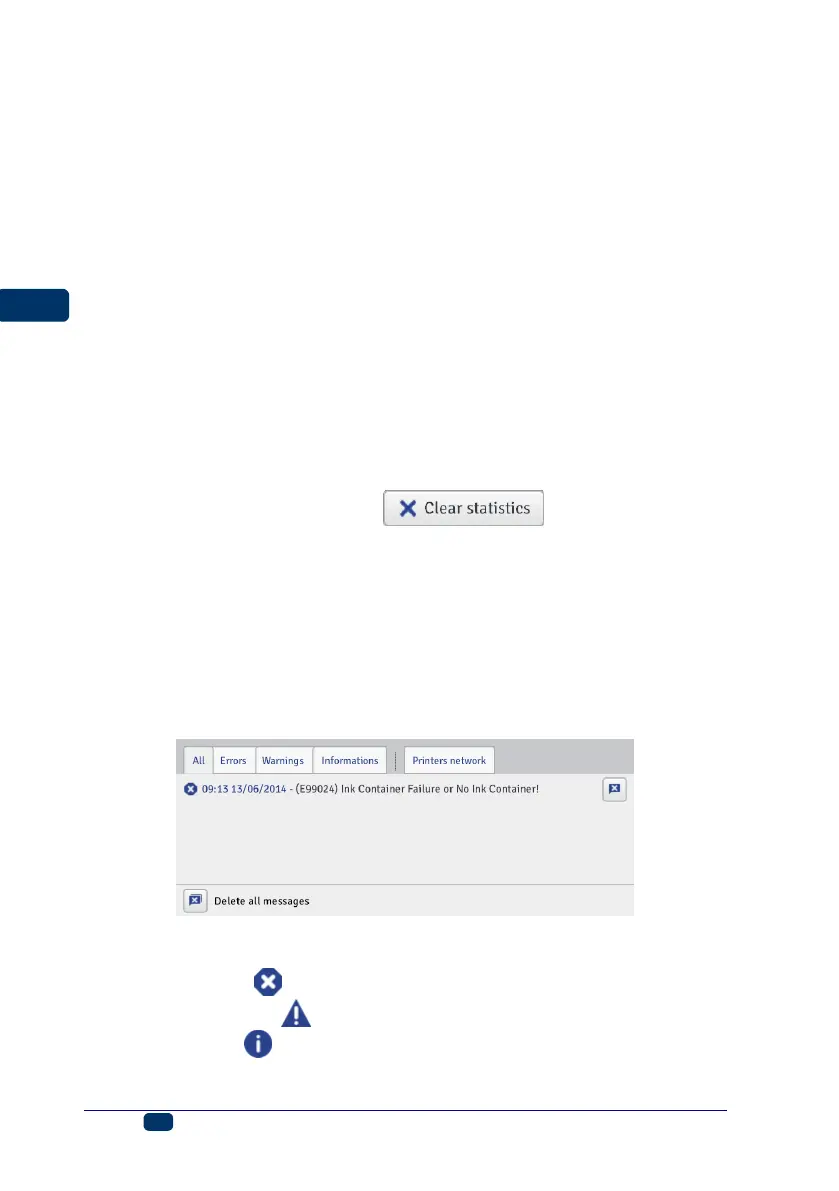
Important information about printer operation is signaled with the message
window at the bottom of the EBS Web User Interface work screen.
The information is collected in four sheet tabs:
All messages,
Error messages ,
Warning messages ,
Info messages .



 To Next Page