20140704#1.0 EBS Ink Jet Systeme
121
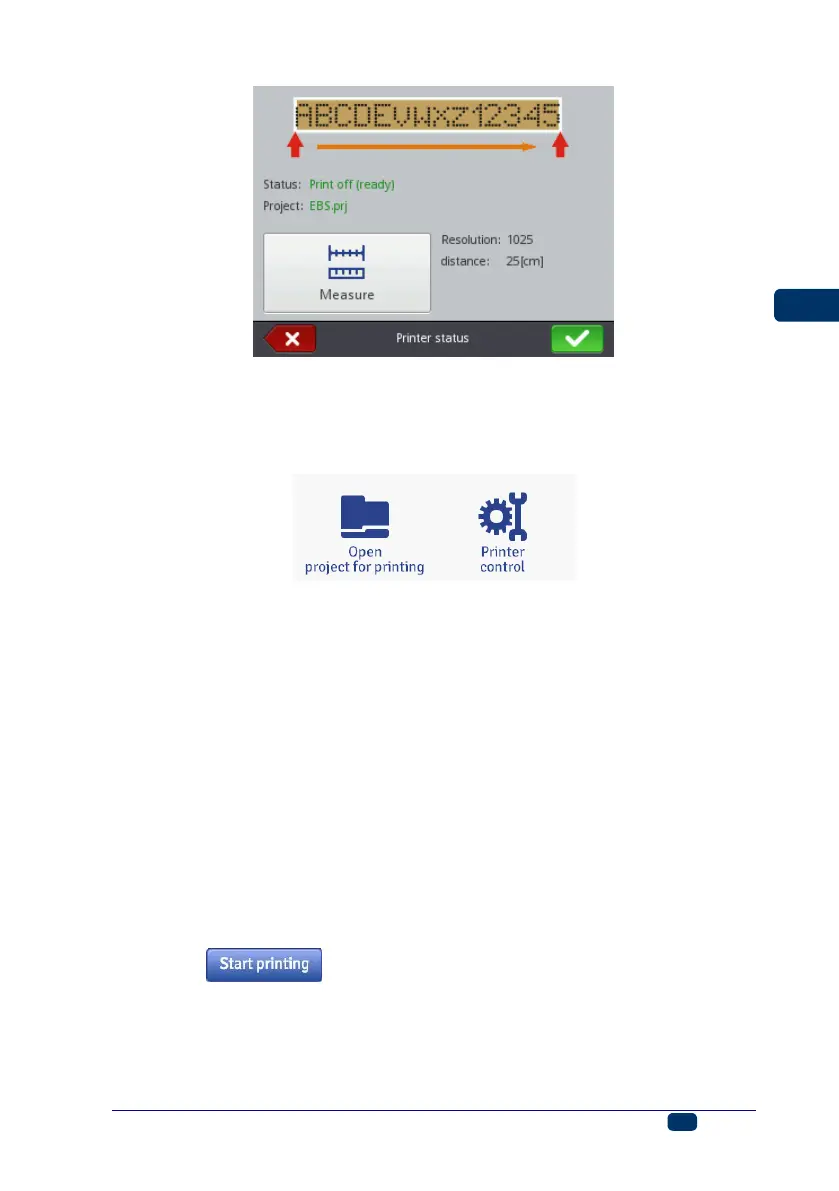
The program calculates the resolution of the print automatically. In addition, the
project length is displayed as a number of centimeters (the Distance parameter).
Printing a Project via Web Browser
Open a project for printing – see Opening a Project for Printing via Web
Browser (p. 118).
The Printer status field in the Printer control window shows the information
whether printing is initiated and the information on the printing process:
Print off (ready) – the printer is ready,
Print on (waiting) – the printer waits until trigger 6 is pressed and lower
roll 3 starts moving,
Print on (printing) – the printer prints.
The Current project field shows the name of a project rolled-in for printing. The
project last printed is stored by the printer and it is read-in automatically when
the printer is restarted.
In addition, the information on ink (Ink container status, Ink level and Ink
color) and also the battery status are displayed.
If the Enable autostart check box is ticked, the printer starts printing
automatically the project that was previous printed immediately after it is has
been switched on.
Touch the button in order to start printing – the printer status
changes to Print on (waiting). Printing starts when trigger 6 is pressed and the
printer moves along an article to be labeled (lower roll 3 must roll) – the printer
status changes to Print on (printing).



 To Next Page