20140704#1.0 EBS Ink Jet Systeme
41
Creating a New Project
Touch the Project button (T) and then Create project.
On the screen displayed, touch the white box at the top of the screen, type in a
name via the keypad displayed and confirm it with the button. In the
following screen confirm the creation of the project with the button.
Opening and Editing a Project
Touch the Project button (T) and then Edit project.
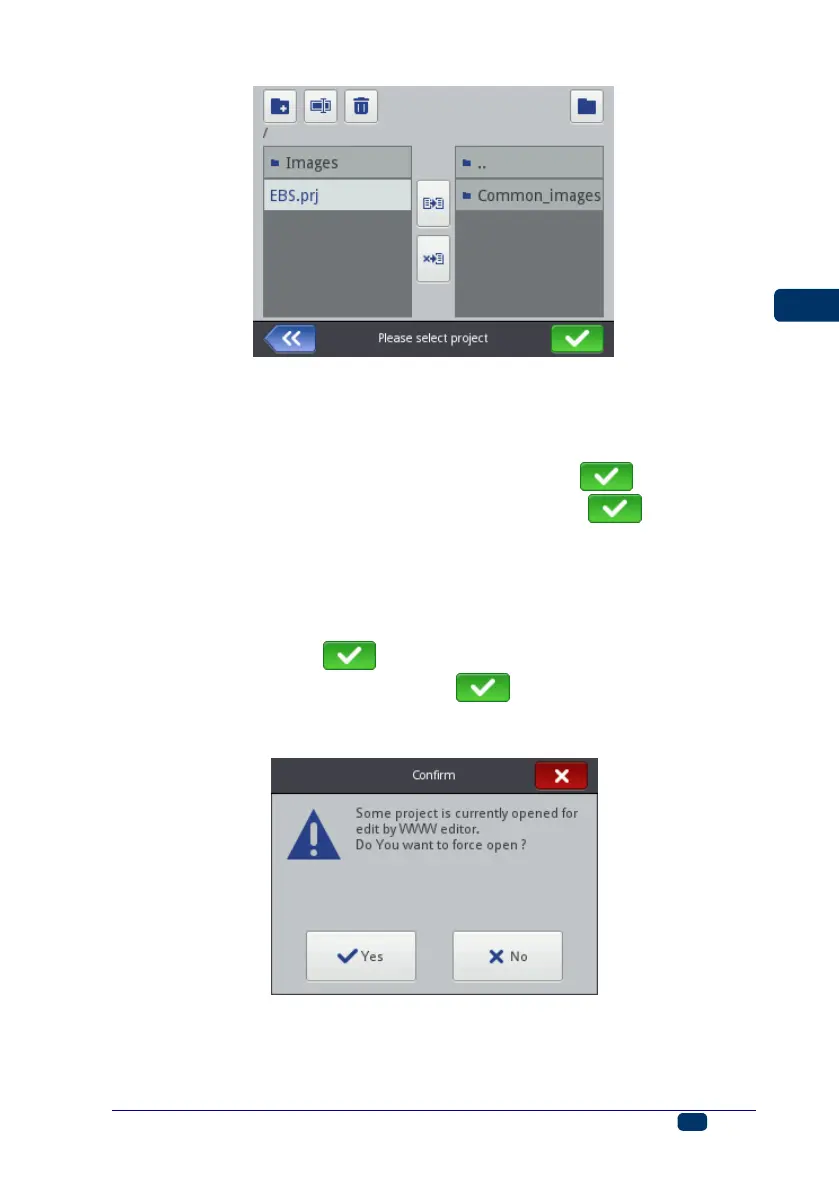
On the screen displayed, choose a project in the list or touch the white box at
the top of the acreen, type in the name of a project via the keypad displayed
and confirm it with the button. In the following screen confirm the
opening of the project (for editing) with the button.
If an attempt is made to open a project, when a project is already opened in
EBS Web User Interface, the following message is displayed:
The project opened in EBS Web User Interface must be saved before any
project is opened on the printer. If you do not do that, the project is closed
unsaved and any modification to it are lost.



 To Next Page