20140704#1.0 EBS Ink Jet Systeme
75
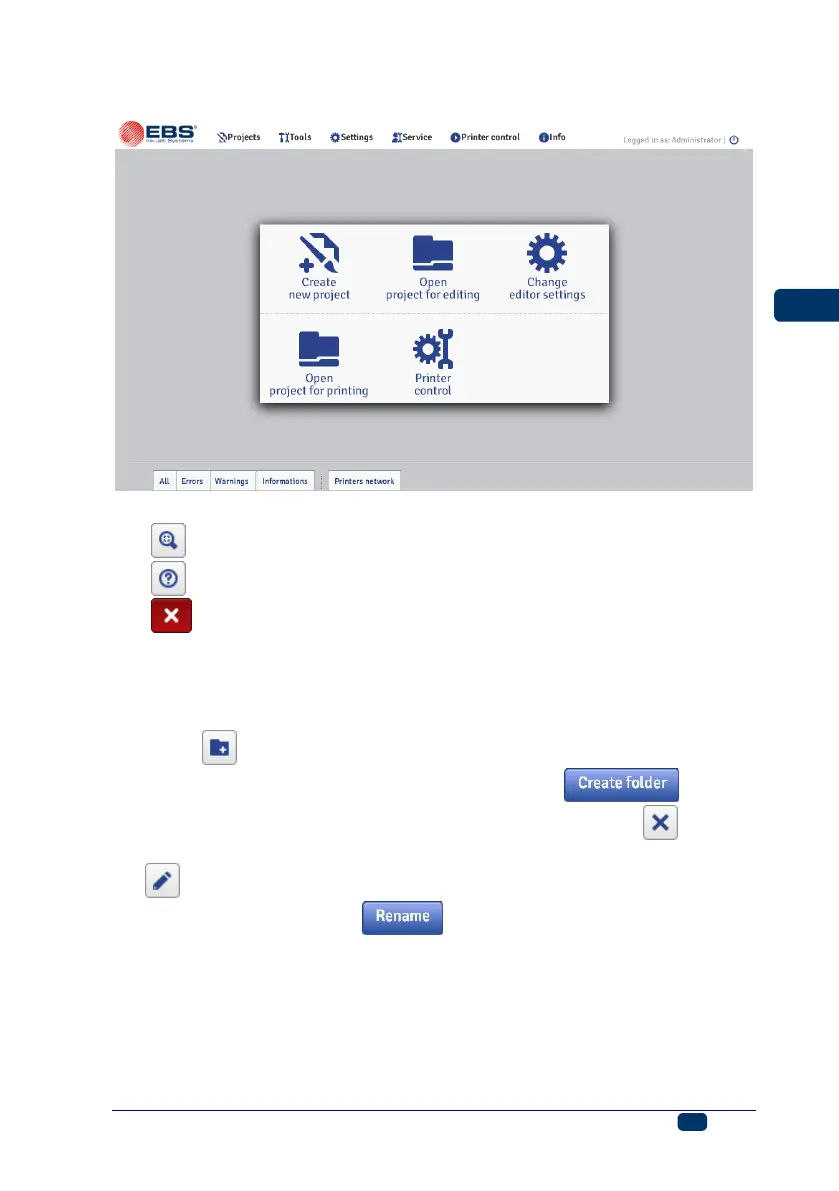
Message bar – see Messages (p. 116), and a printer network.
Description of the window title bar buttons:
– background view,
– help,
– close the window (hot key: U).
File Manager
You can manage file and folder names in the following windows: Create new
project, Open project (Open project for editing) or Save as....
Touch the button in order to create a new folder. Type in the name of the
new folder in the window displayed and confirm with the button.
Highlight the name of a file or folder in the list, and then touch the button to
delete the file or folder. Highlight the name of a file or folder in the list and touch
the button in order to change the name. Type in a new name in the window
displayed and confirm with the button.
Projects
Create a New Project
In the Projects menu, which is on the menu bar, you can choose the Create
new project command. Type in a name for your project in the Filename field in
the window displayed. If you tick the Create project in separate folder check



 To Next Page