64
EBS Ink Jet Systeme 20140704#1.0
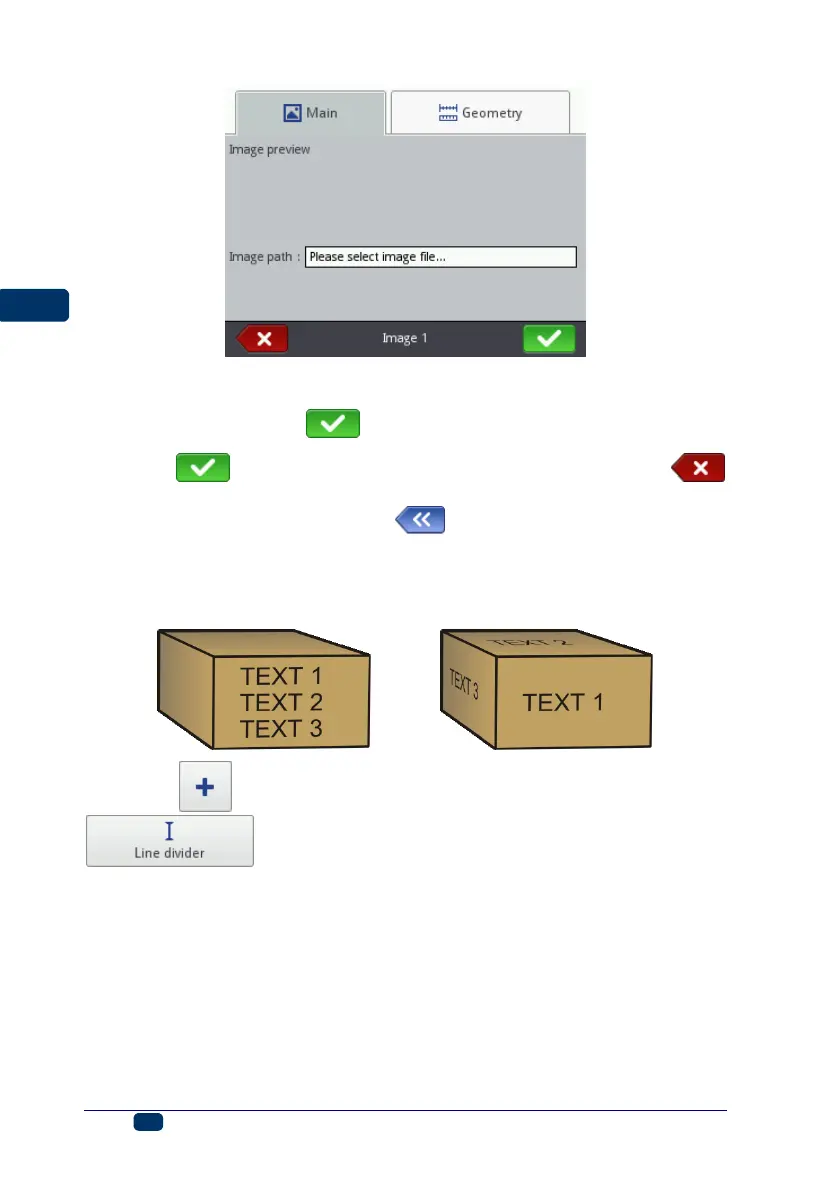
In the Main sheet tab touch the Image path check box. On the screen
displayed, choose a file name out of those listed (or type in the file name in the
white field), and then touch button. The printer uses PNG files.
Touch the button in order to add the object to a project or the
button to abandon the addition. If no changes have been made, you can return
to the previous screen by touching the button.
Line Divider
If a division mark is added to a project, you can make printouts of several text
files quickly on successive lines or on various spots on an article.
Touch the button, choose the Others sheet tab, and then touch the
button in order to add a new, Line divider-type text object
to a project. With the Position parameter you can define the number of the
vertical row on which the division should be made.



 To Next Page