22
EBS Ink Jet Systeme 20140704#1.0
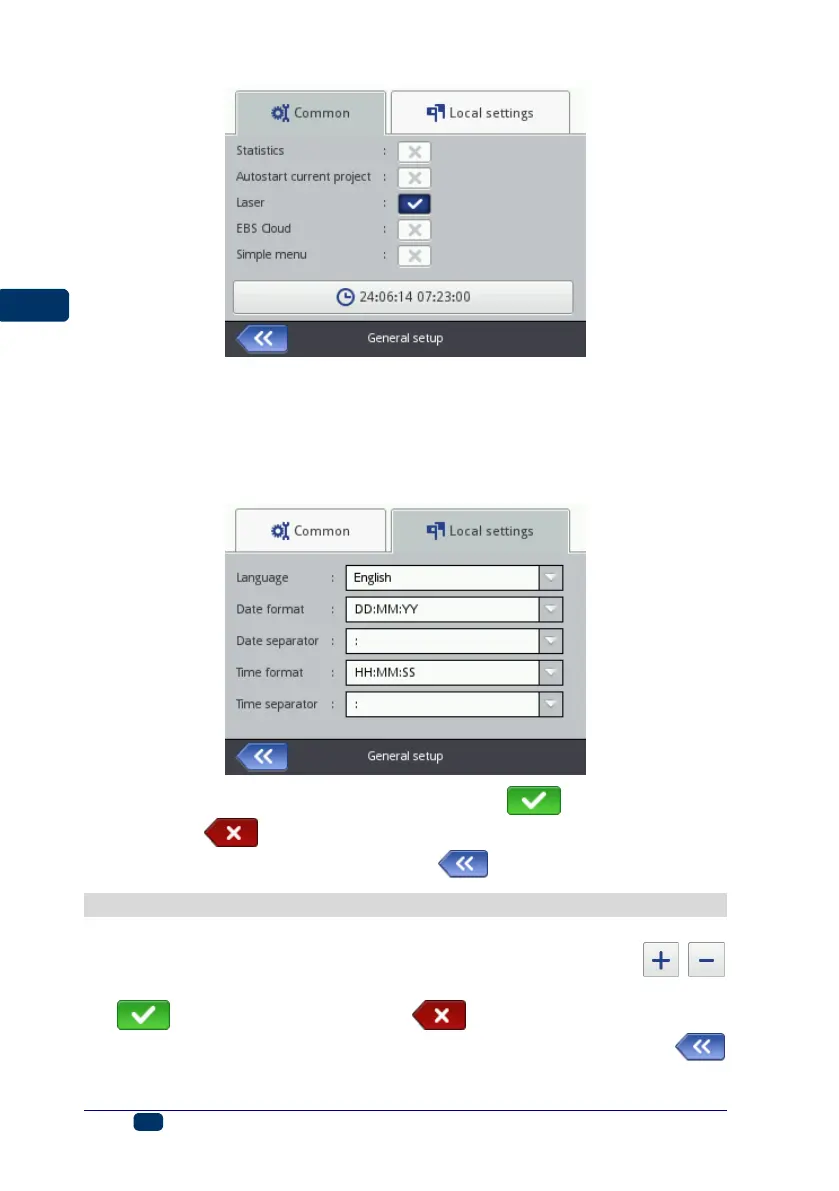
In the Local settings sheet tab you can change the interface Language (after
a new language setting has been confirmed, the interface software on the LCD
starts running again within 10 seconds), date and time format (the sequence
and the number of date and time components), and also change separators
between the date and time components as default formats for newly created
Date/Time-type text objects.
Confirm the modified parameter settings with the button or abandon
them with the button. If no modifications have been made, you can go
back to the previous screen by touching the button.
Date and Time Settings
The date and time are accessible for modification by touching time H displayed
on the top bar of main screen 12. Modifications can be made with the ,
buttons or by typing in a setting via the keypad. Confirm the modification with
the button or abandon it with the button. If no modifications have
been made, you can return to the previous screen by touching the
button.



 To Next Page