44
EBS Ink Jet Systeme 20140704#1.0
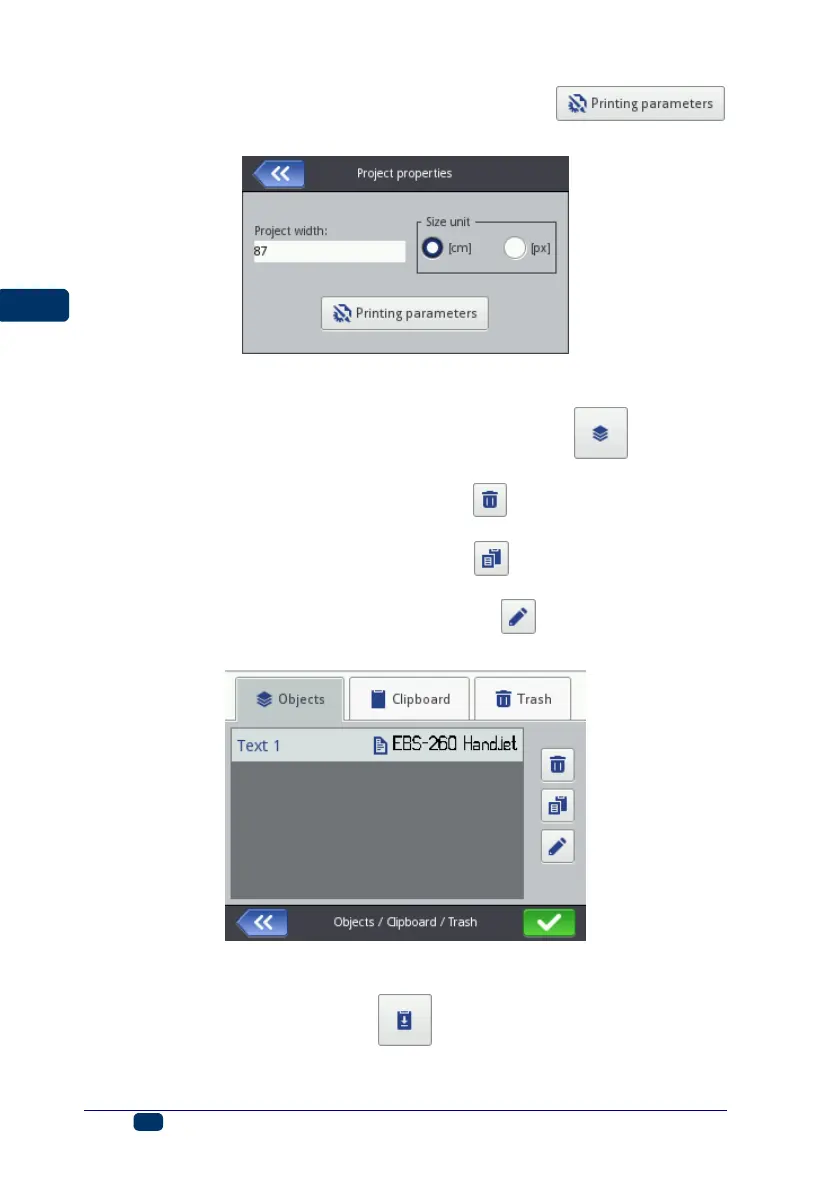
You can also move to set the printing parameters with the
button – see Printing Parameters (p. 65).
List of Objects
The list of all objects used for a project is accessible with the button. The
following operations can be performed on objects in the list:
a highlighted object can be deleted with the button – the deleted object
is moved to the trash – see Trash (p. 45),
a highlighted object can be copied with the button – the copied object
is moved to the clipboard – see Clipboard (p. 44),
a highlighted object can be edited; when the button is touched, the
object parameter window opens.
Clipboard
The clipboard is accessible with the button (the button is available when
an object is copied to the clipboard and no object is highlighted). The following
operations can be performed on objects in the clipboard:



 To Next Page