20140704#1.0 EBS Ink Jet Systeme
45
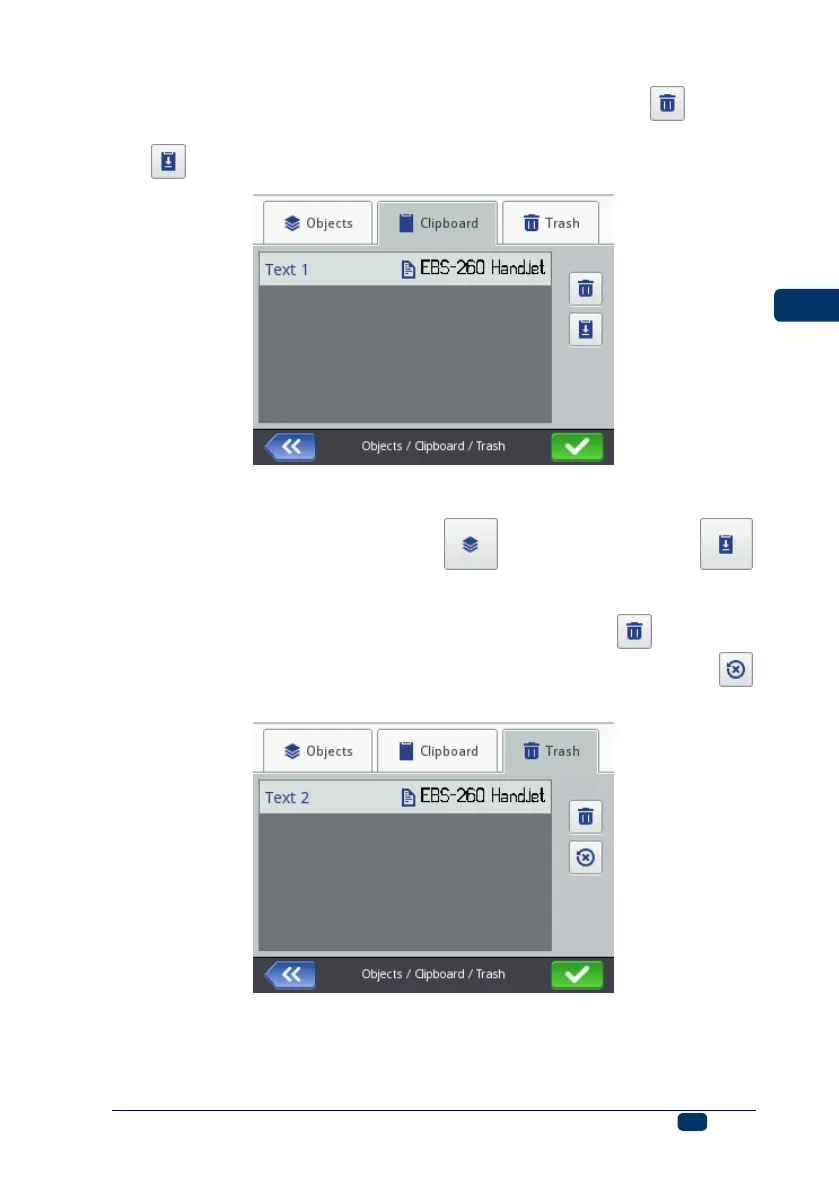
a highlighted object can be deleted from the clipboard with the button,
a highlighted object can be pasted from the clipboard to a project with the
button.
Trash
The trash is accessible by touching the object-list button or the
clipboard button and by switching to the Trash sheet tab. The following
operations can be performed on trash objects:
a highlighted object can be deleted from the trash with the button,
a highlighted object can be restored into the list of objects with the
button,



 To Next Page