60
EBS Ink Jet Systeme 20140704#1.0
Shape-type Object – Line
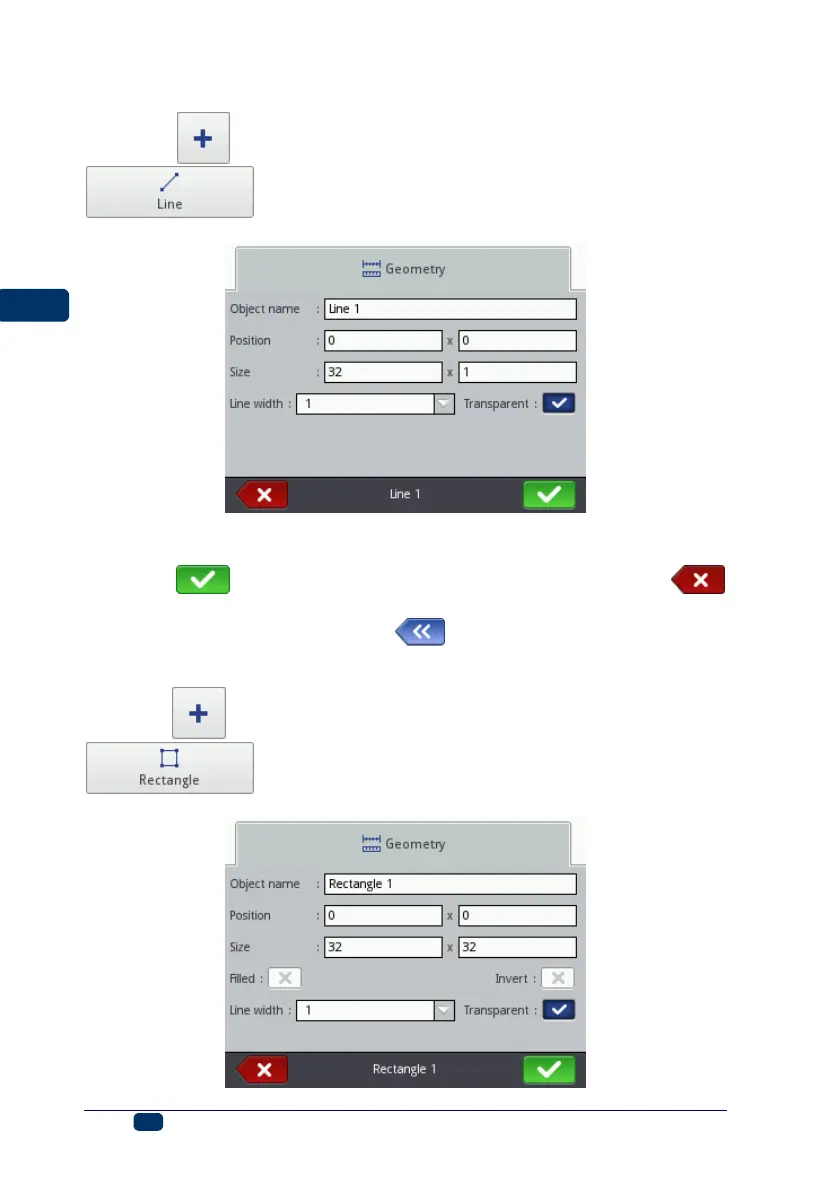
Touch the button, choose the Shapes sheet tab, and then touch the
button in order to add a new, shape-type object, a Line, to
a project.
The Line width can range from 1 to 30. The Line width is given as a number of
dots.
Touch the button in order to add the object to a project or the
button to abandon the addition. If no changes have been made, you can return
to the previous screen by touching the button.
Shape-type Object – Rectangle
Touch the button and choose the Shapes sheet tab, and then touch the
button in order to add a new, shape-type object,
a Rectangle, to a project.



 To Next Page