18
EBS Ink Jet Systeme 20140704#1.0
In an emergency situation, when the above mentioned ways of printer switch off
turn out ineffective or when the printer needs to be switched off immediately,
you can do that in two ways:
by holding button 18 on keypad 10 over a minimum of 4 second or
by touching button 18 and holding it together with trigger 6 at the same
time.
After emergency switch off the settings of the printer counters and unsaved
projects are lost. If the emergency switch off occurs too frequently, it may lead
to printer damage (e.g. damage to the file system).
Logging In
You can be logged in automatically as Administrator by default (the default
password is 1). You can disable automatic logging in or change the default
account - see User Manager (p. 28).
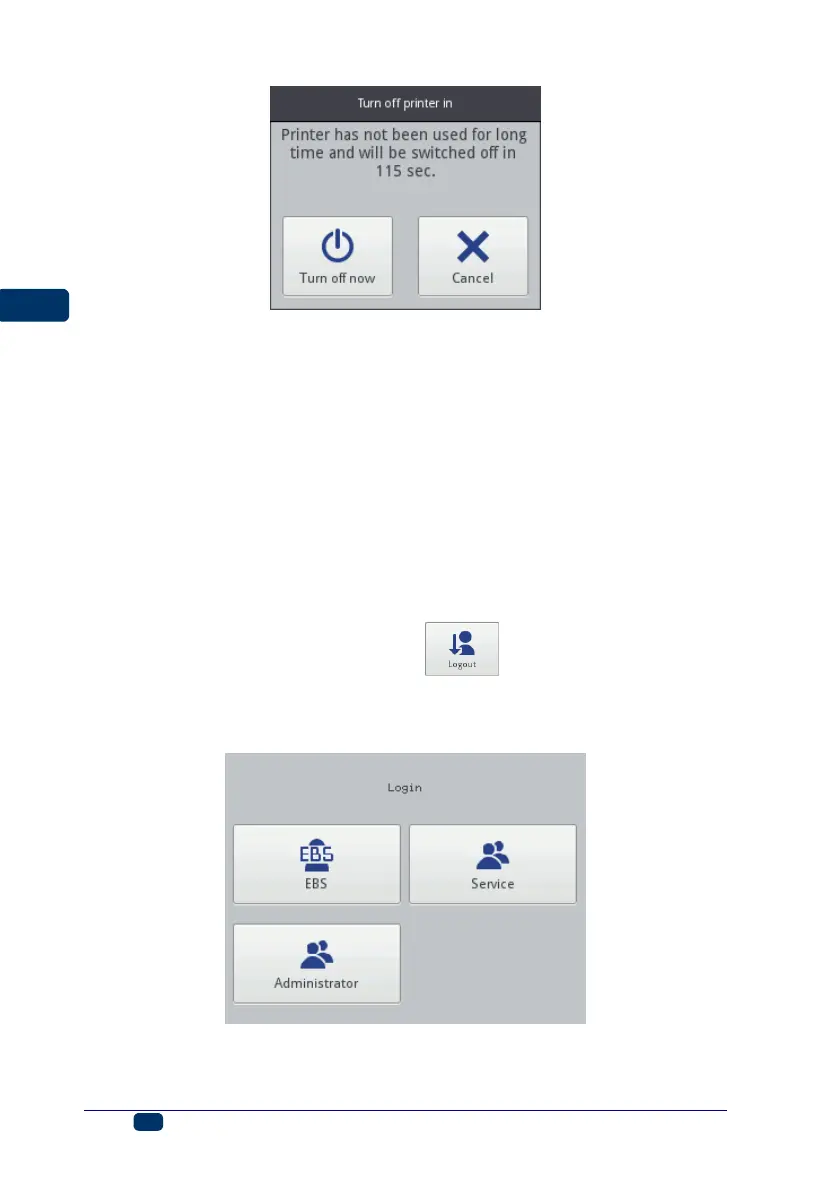
If the current user is logged out with the button (see Switching the
Printer Off (p. 16)), a list of user is displayed on the printer acreen. After a user
name has been chosen, a keypad is displayed (see LCD (p. 14)) with which to
type in the password.



 To Next Page