20140704#1.0 EBS Ink Jet Systeme
17
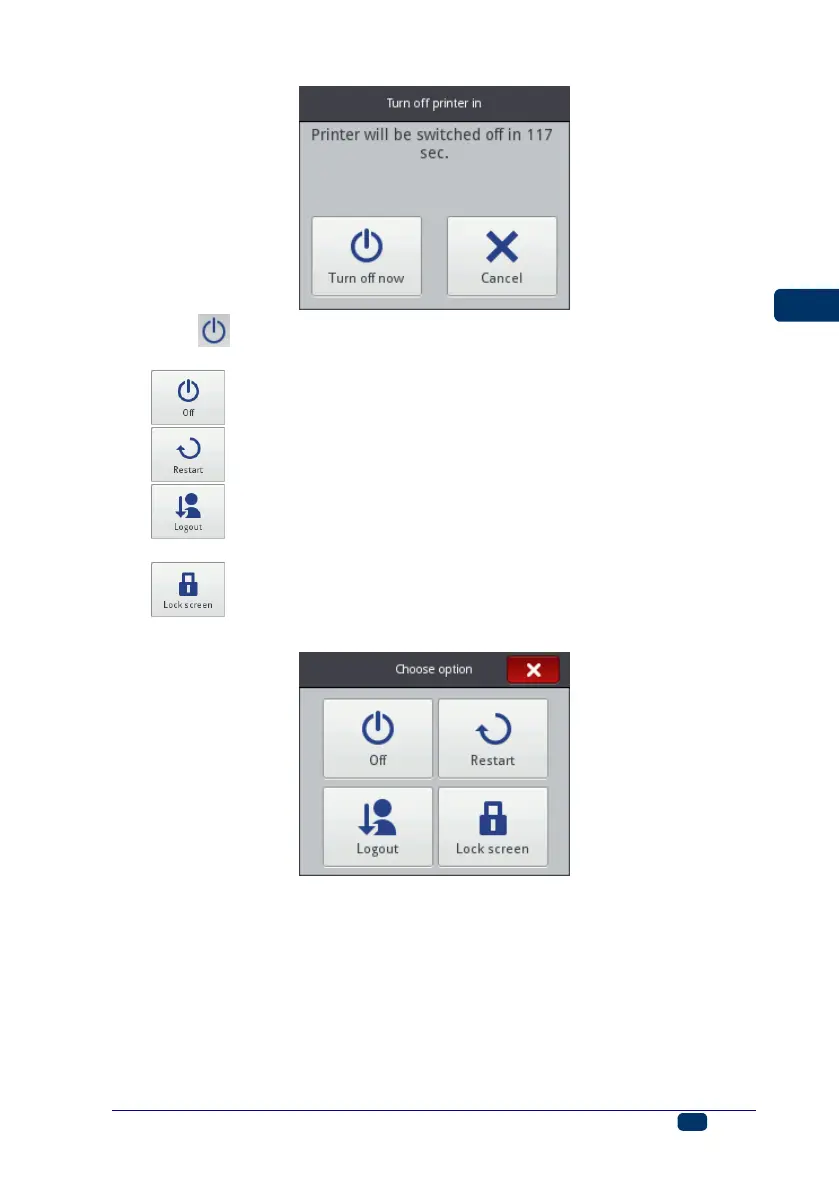
When the (I) button is touched, the window containing the following options
is displayed on the printer touch screen and also in EBS Web User Interface:
– to switch off promptly after the button is touched,
– to switch off and restart the printer,
– to log out the current user and display the log in display –
see Logging In (p. 18),
– to enable the screen lock (this option is available only on the
printer screen) – see Display Parameters Settings (p. 27).
The switching off is done properly, when diode 19 goes out and screen 12
switches off. It can also be signaled with an audible signal (see Sound Settings
(p. 23)).
The printer can be switched off automatically after a period of inactivity – see
Display Parameters Settings (p. 27).



 To Next Page