20140704#1.0 EBS Ink Jet Systeme
71
USB
See Connecting USB Disc to the Printer (p. 34).
Unlocking Options
You can use additional options to extend printer functionality or enable the
functions that have been constrained in order to protect the printer against
accidental damage (e.g. which may occur when a wrong type of ink is used).
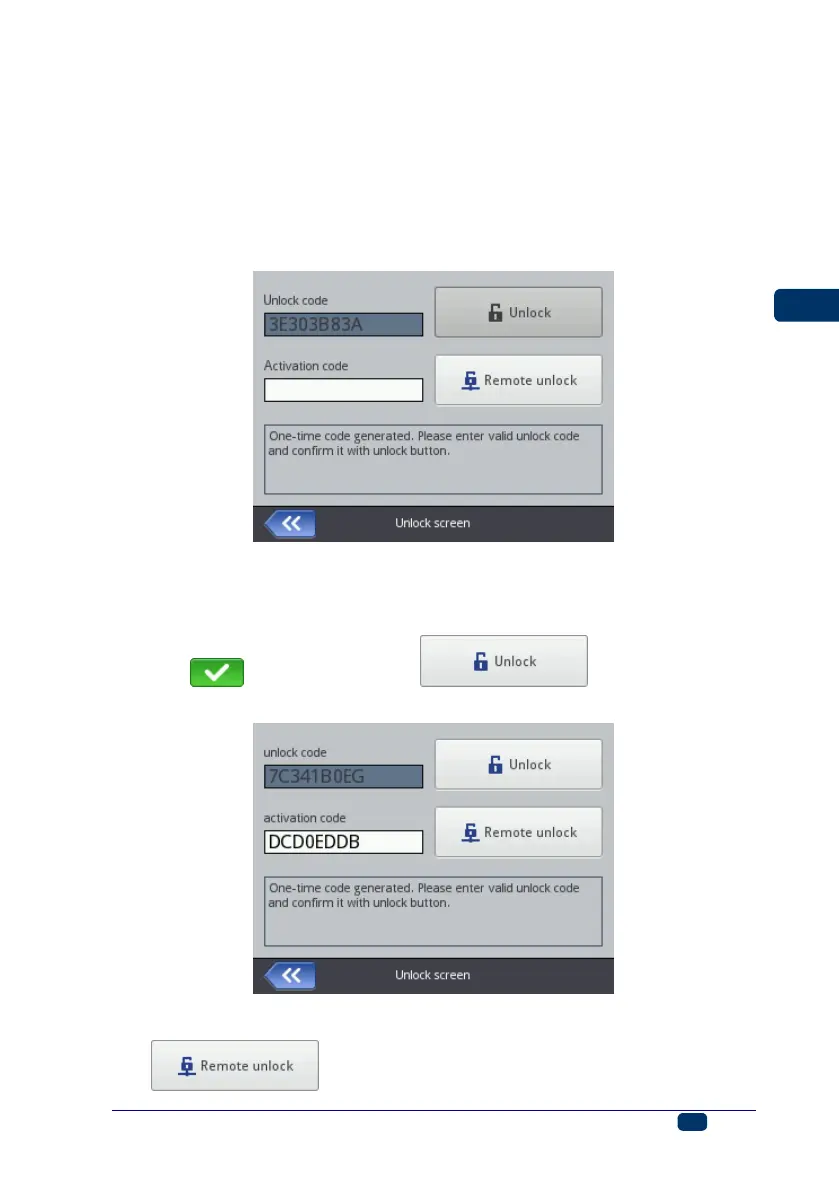
Touch the Tools (U), Service and Unlock buttons in turn.
The options can be unlocked in two ways:
standard mode – after you have given the Unlock code, a serviceperson
gives you an activation code in return. The activation code should be typed
in in the Activation code field via the keypad displayed and confirmed with
the button. Then the button should be
touched.
remote mode – a serviceperson unlocks the printer remotely, without any
need for giving a one-off code and typing in an activation code. Touch the
button and wait until the option is unlocked. The



 To Next Page